
Glossary
oneCORE cheat sheet
A reference guide to oneCORE's terms and features. Jump to a letter, or search the page with your browser (Ctrl+F or ⌘F).
3D
- 3D Look-alike product
The 3D look-alike product field, in the product details, lets you configure a product in the 3D product configurator, a richer experience than the 2D configurator.
- 3D Product configuration string
An embed code that puts all selected product editions (numbers) into one continuous string.
- 3D Product configurator
An interactive feature that lets users customise products and see every change in real time on a 3D model.
- 3D Textures
Media files you upload and apply to products during configuration, to change how they look.
A
- Account features
A shop feature in oneCORE that lets clients manage user account details and information.
- Account functionality
A feature for the shop user's account overview.
- Achievement
A goal or milestone reached, for example by reaching a spending limit, completing a profile or taking another set action.
- API Permissions
Managing access rights for each API or endpoint.
- API setting
The configuration needed to connect to and work with an API, including access keys, endpoints and data formats.
- API Users
The people or systems that work with an API to retrieve or exchange data.
- Asana
A web-based project management platform for organising, tracking and managing tasks and workflows. Colengo uses Asana for its project management.
C
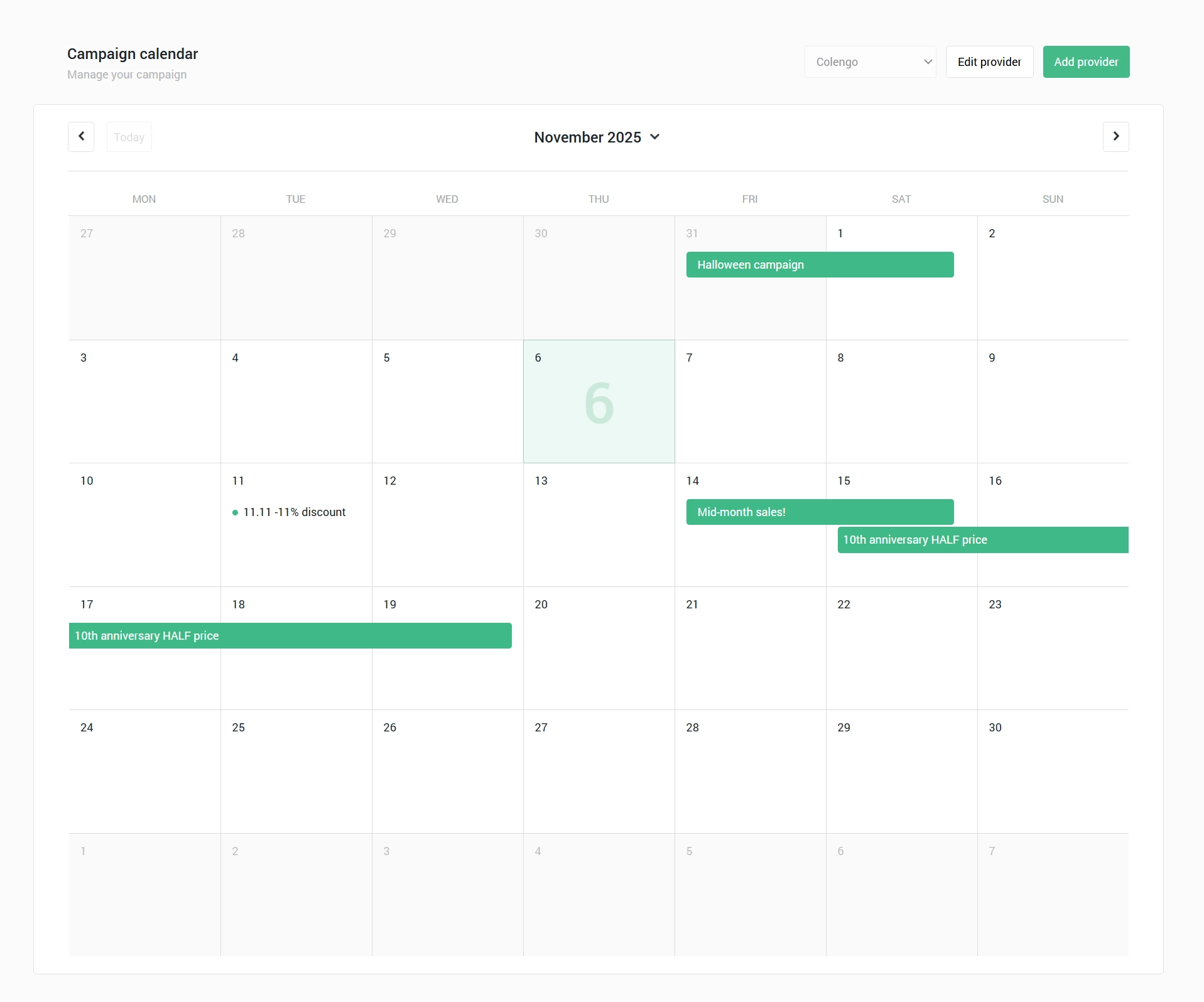
- Campaign
A feature to manage promotional discounts.
- Category link type
A menu link straight to a product category. Choose the category from your catalogue, the languages the item shows in on multilingual sites, and an image or icon.
- Chair 3D configuration
The chair configurator developed for Table du Sud, one of our e-commerce clients.
- Code reviewer
Reviews other people's code for quality and correctness before it goes to QA for testing.
- Collection (component)
A function in the component editor to create new components.
- Company
In oneCORE, a Company is part of an Organization. An Organization can hold several companies, each with its own data and settings.
- Company theme
The company logos, brand colours and favicon icons, set in the company settings.
- Component editor
A feature to edit the content of each component.
- Components
A page section, or the oneCORE feature that gives users a template to enter content and show it on a page.
- Configurable products
Products with options customers can choose, such as size, colour, material or features, before they request a quotation or place an order.
- Customer Q&A
A task tag in Asana that means the customer needs to give input or clarify something before the task can move on.
D
- Defaults
A feature to set default values for the product and edition when you create a new product, because these options can't be edited before the product exists.
- Deployment
Making software available for use: taking code that has been developed and tested and putting it into a live environment where users can work with it.
- Dynamic form
A configurable form that adapts itself to admin settings or user input, for flexible and efficient data entry.
E
- Edition
Each customisable element of a product that can be combined with others into a unique product.
- ERP
ERP stands for Enterprise Resource Planning: a complete system that lets businesses manage and streamline key operations, such as quotations, orders, inventory and invoicing, on one integrated platform.
- Everhour
A time tracking and project management tool that helps teams track work hours, tasks and project progress.
- External price RedisCache
Fast data storage in oneCORE that temporarily holds the prices from uploaded CSV files, for every product configuration, so prices are found quickly during price calculations.
- External Prices
When a product edition can't hold a complex price list, the prices are set in an External Price and then imported into oneCORE.
F
- Figma
Colengo's main tool for designing websites and other design work.
- Fixing feedback
The stage when a task in review or testing has issues the developer must fix before release.
- Flyer
A product quotation document: a summary of the configured product with all its configuration details.
The bottom section of a page, usually with extra information such as contact details, navigation links or copyright information.
H
- Head's up
The quarterly company meeting.
- Header
The top section of a screen or page, usually with the title, logo, navigation links and other important elements such as the shopping cart and login.
- Headlines
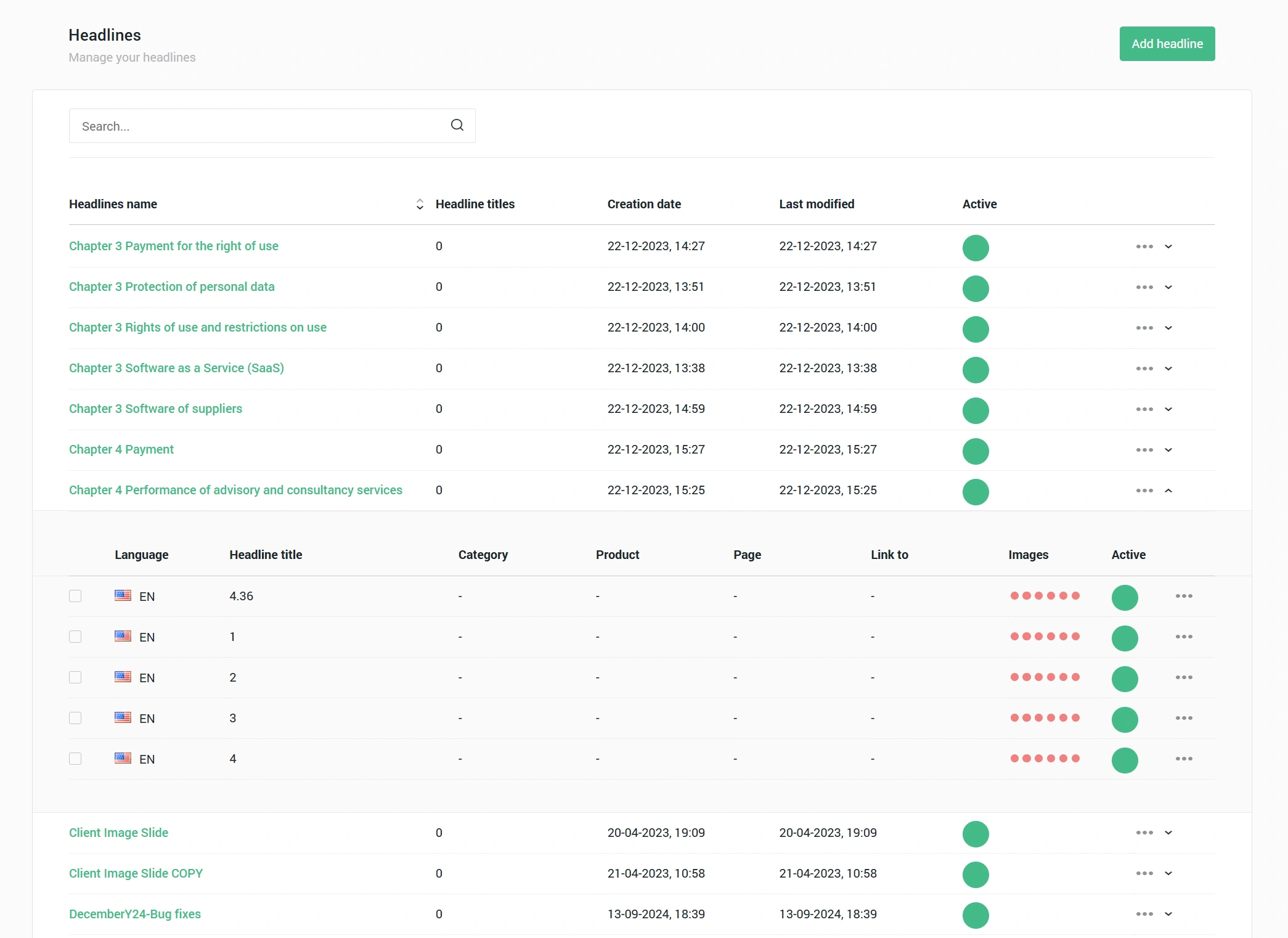
In oneCORE, Headlines manages content for frontend elements of a webshop or website, such as images and titles, and links it to categories, products, pages or other items. It keeps the presentation consistent and accurate across the site.
- Hot fix
A quick, urgent update that fixes a critical bug or issue in a live (production) system, such as a crash, a security issue or broken functionality, without waiting for a full release. A hotfix is fixed and deployed on the same day.
I
- Image preset
A feature to set standard image sizes that are generated automatically, so pages load faster.
- Image tag
A feature that lets you assign a product to an image in the image library or the product images.
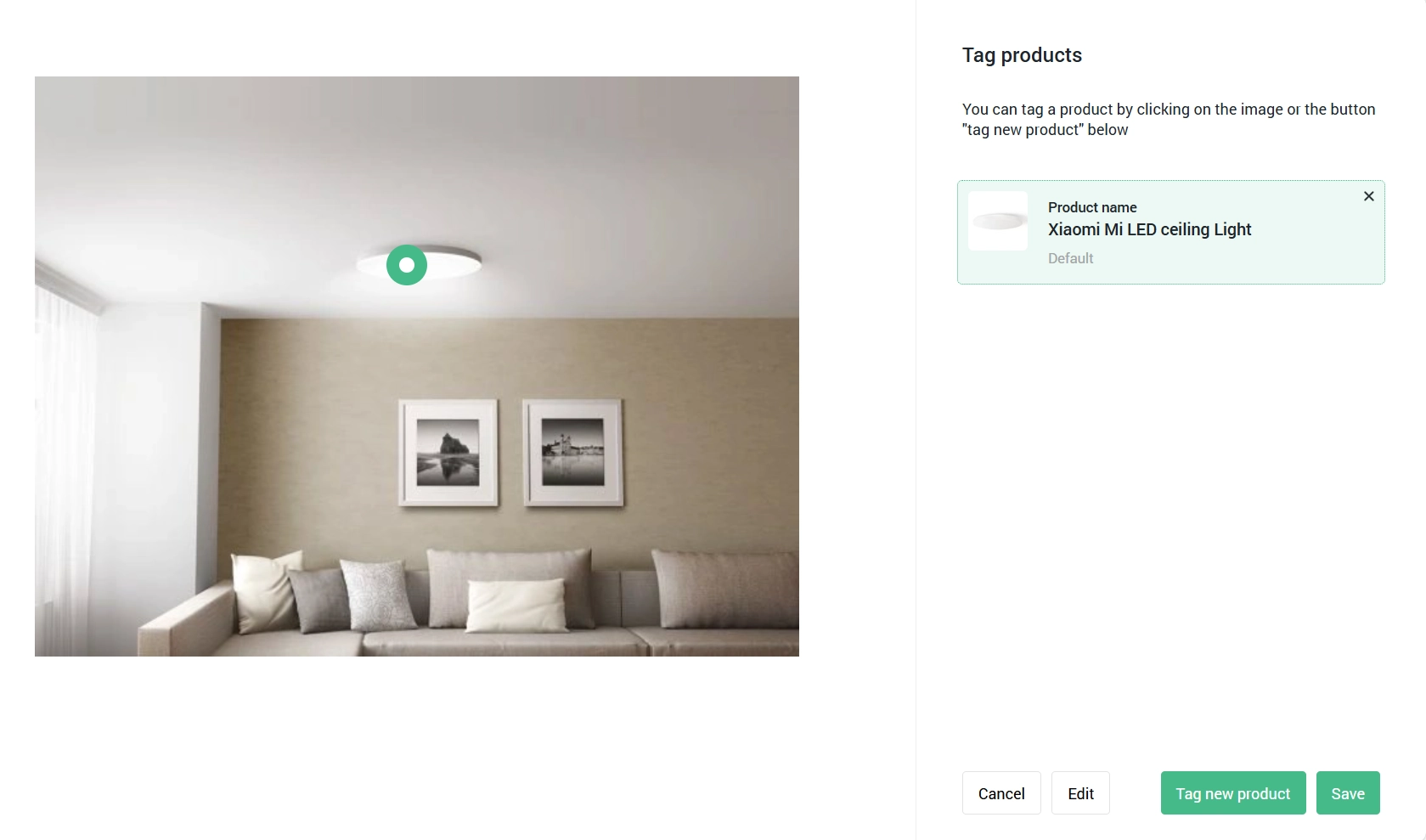
In oneCORE, an image tag adds specific content to an image on the frontend, depending on the page layout and the shop. For example, tagging a product, or adding it to the cart without going to the product page.
L
- Locations
A feature to manage locations, with addresses, opening hours and other information as needed.
- Logs
Records of past events.
M
- Manual link type
One of the four link types in oneCORE's Menu Editor. You set the menu title and URL, choose the languages the item shows in on multilingual sites, and pick an image or icon.
- Master edition
A reference group that can hold several specific product editions.
Create and manage website navigation menus. It has four kinds of links: manual links, product links, category links and page links.
- Mollie
A payment service provider.
N
- Notification templates
Pre-configured email formats that automatically send messages, such as alerts or updates, to users.
O
- oneCORE
The e-commerce platform developed by Colengo.
- oneCORE Authentication
User login and access control, managed by oneCORE.
- oneCORE Tenant
An independent account or workspace in oneCORE, for managing specific projects, clients or environments separately.
- oneCORE users (Admin users)
People with specific roles and permissions who manage and configure features across the oneCORE platform.
- Order flow
The checkout pages: customer information, shipping and billing address, shipping method, payment and order confirmation.
- Orderflow
The checkout process after choosing items: entering the shipping and billing address, choosing the shipping and payment method, and completing the purchase. Developed by Colengo.
- Orderflow features
A basic shop feature in oneCORE that lets clients manage their checkout processes.
- Organization
In oneCORE, an Organization is a top-level tenant that can hold several companies.
P
- Page component
A section on a page: a oneCORE feature that works as a template where users enter the content to show on the page.
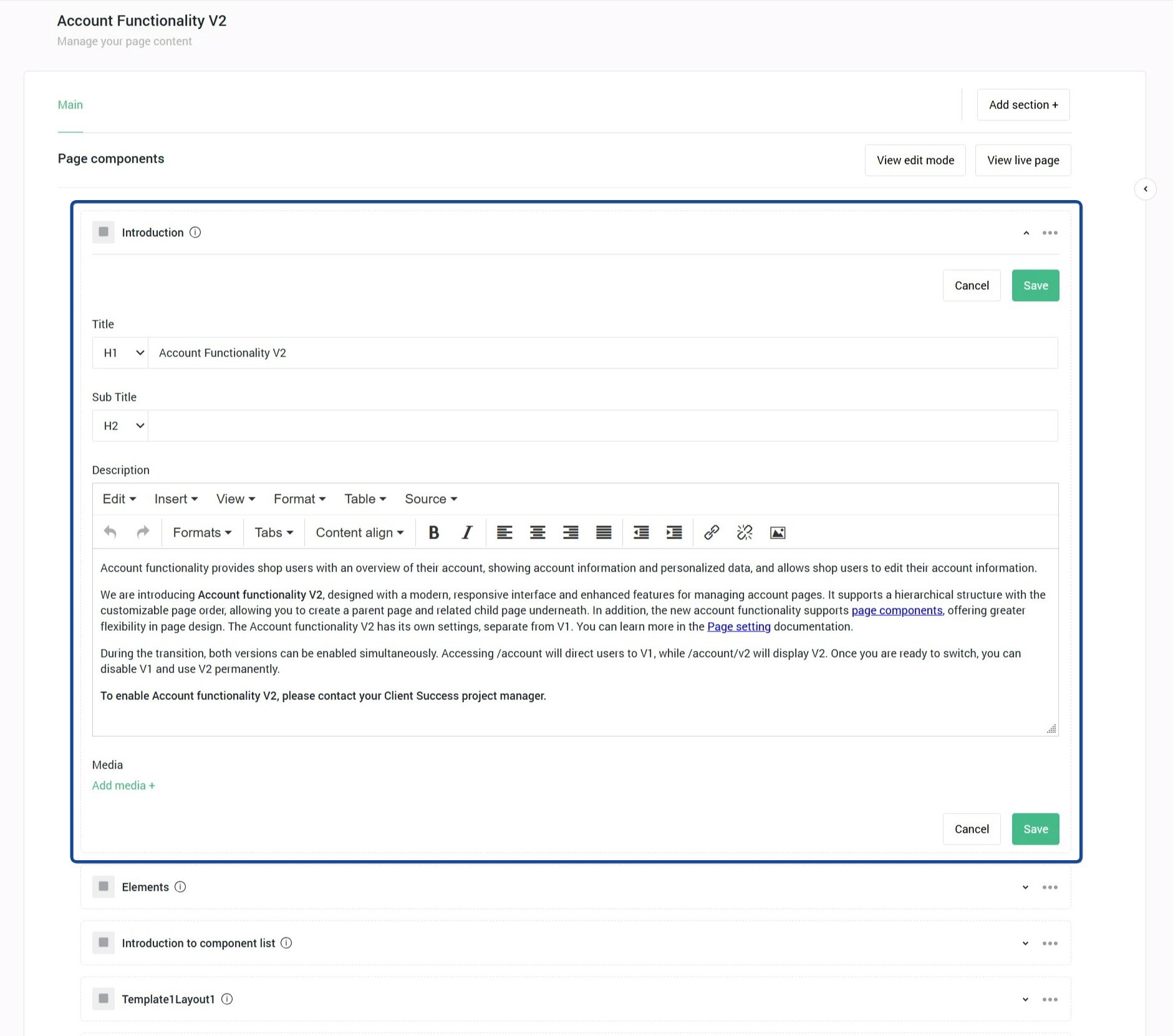
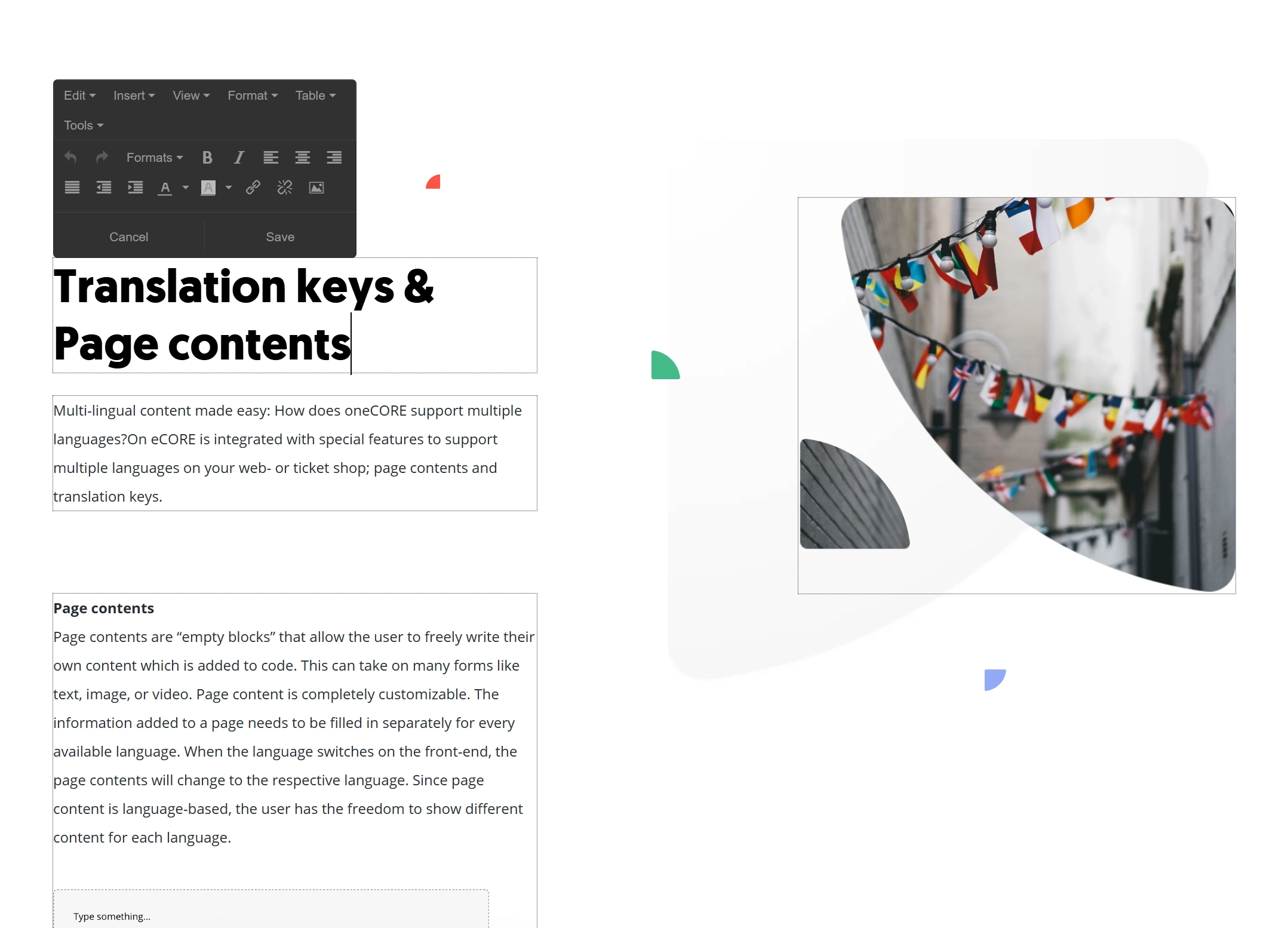
- Page content
A feature that lets users edit the content of a page directly in its component or layout.
- Page link type
Links a menu item straight to a page on your website. Choose the page, the languages for multilingual sites, and an image or icon.
- Payment methods
The ways customers can pay at checkout, such as credit cards or PayPal.
- Payment providers
Companies that process online payments, so customers can pay safely on websites or in apps.
- Permission groups
Sets of access rights given to roles, so administrators manage what each oneCORE user can see or change.
- Permissions
The section where access rights are given to roles, so administrators control and limit what users can do in oneCORE.
- Permissions Roles
Sets of access rights given to users or groups, which decide their level of access and what they can do in oneCORE.
- PR link
A test environment with its own link, running a copy of the website or app. Its database is the same as production but one day old, so you can test safely without touching live data.
- Product - 3D Configurator V3
Table du Sud's configurator, version 3.
- Product attachments
A oneCORE feature that lets users upload files, such as product catalogues or other documents, directly to a specific product.
- Product configurator
Part of Colengo's products on the oneCORE e-commerce platform: users configure products and see every change in real time as they choose in the configuration panel, with or without a 3D model.
- Product editions
Each product edition matches one of the configuration steps, modules or option groups of a product.
- Product feeds
Structured files or data streams with product details, such as name, price and availability, for sharing with or syncing to external platforms, including marketplaces and advertising channels.
- Product link type
Links a product to the menu: choose it from a list, or enter its URL if it isn't listed. As with manual links, you choose the languages for multilingual sites and an image or icon.
- Proof of concept (POC)
A project of limited scope to develop a prototype or sample product configuration, including 3D modelling.
- Pull request
A proposal to merge code changes from one branch into another in a version control system, so others can review, discuss and approve them before they go into the main codebase.
R
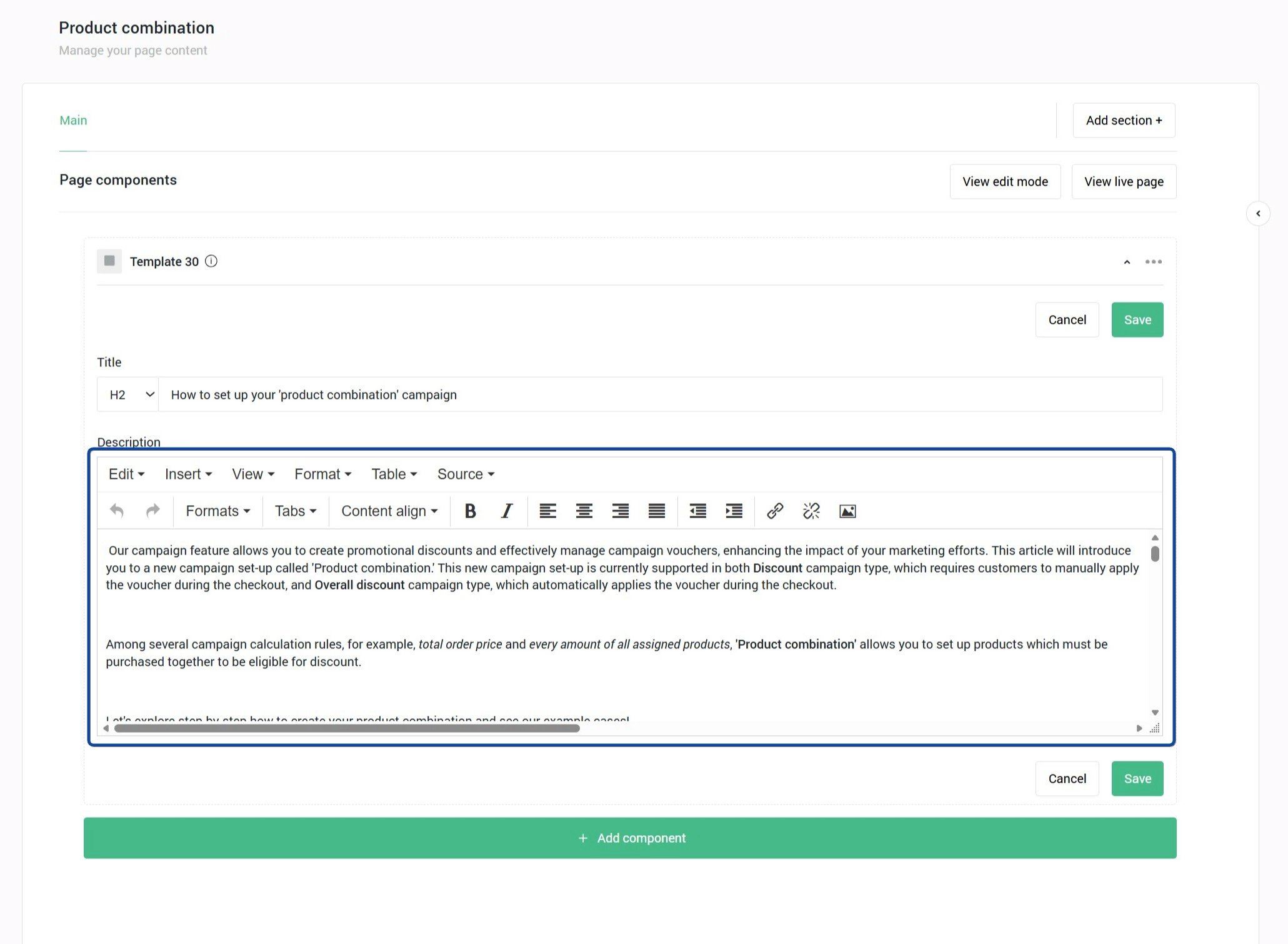
- Rich text editor (RTE)
A text field with advanced styling options, such as bold, italic, bullet points, typefaces and other formatting tools.
S
- Sales portal
A user-friendly platform for configuring products and creating quotations or orders instantly, in oneCORE or through an integrated external ERP system.
- Salesusers
Sales users are the people responsible for sales in specific shops on the oneCORE platform.
- Section (component)
A function in the component editor to create custom sections, combine several components and add these sections to the main component editor.
- SendGrid
A cloud-based email service, used for product configuration.
- Shop features
The functions in oneCORE that can be switched on or off per shop.
- Shop notifications
A feature to manage the notifications shown on the frontend of a shop.
- Shop Tokens
Unique codes that give access to specific parts of a webshop or connect systems, for example to reach the oneCORE database or to connect oneCORE with an external ERP system.
- Shopusers
Shop users are the end customers of specific shops on the oneCORE platform.
A vertical panel at the side of a screen or window, with quick access to navigation, tools or extra content in webshops, product configurators and the sales portal.
- Slicing & basing
Turning the design mock-up into HTML and CSS.
- Source code
In managing web page content, the source code is the underlying text, such as HTML, that sets the structure, content and formatting of a page.
- Standup
A daily team meeting to update each other on the progress of ongoing development tasks.
- Swagger
A user-friendly tool to create, edit and view API definitions, which makes checking the API documentation easier. Open it at {shop URL}/api-swagger.
T
Versatile elements whose display depends on the shop's implementation. They can work as filters on category pages, show product specifications, highlight labels such as "New" or "Best seller", or give delivery information. You can show or hide tags in the feed.
- Tester (QA)
A person who checks software or products for bugs and makes sure they work correctly before release.
The quick navigation menu in the header of a webshop. It doesn't show all shop menus but highlights selected key items. You customise it in oneCORE's Menu Editor, and it follows the shop's frontend design. How it works depends on the shop's requirements and design.
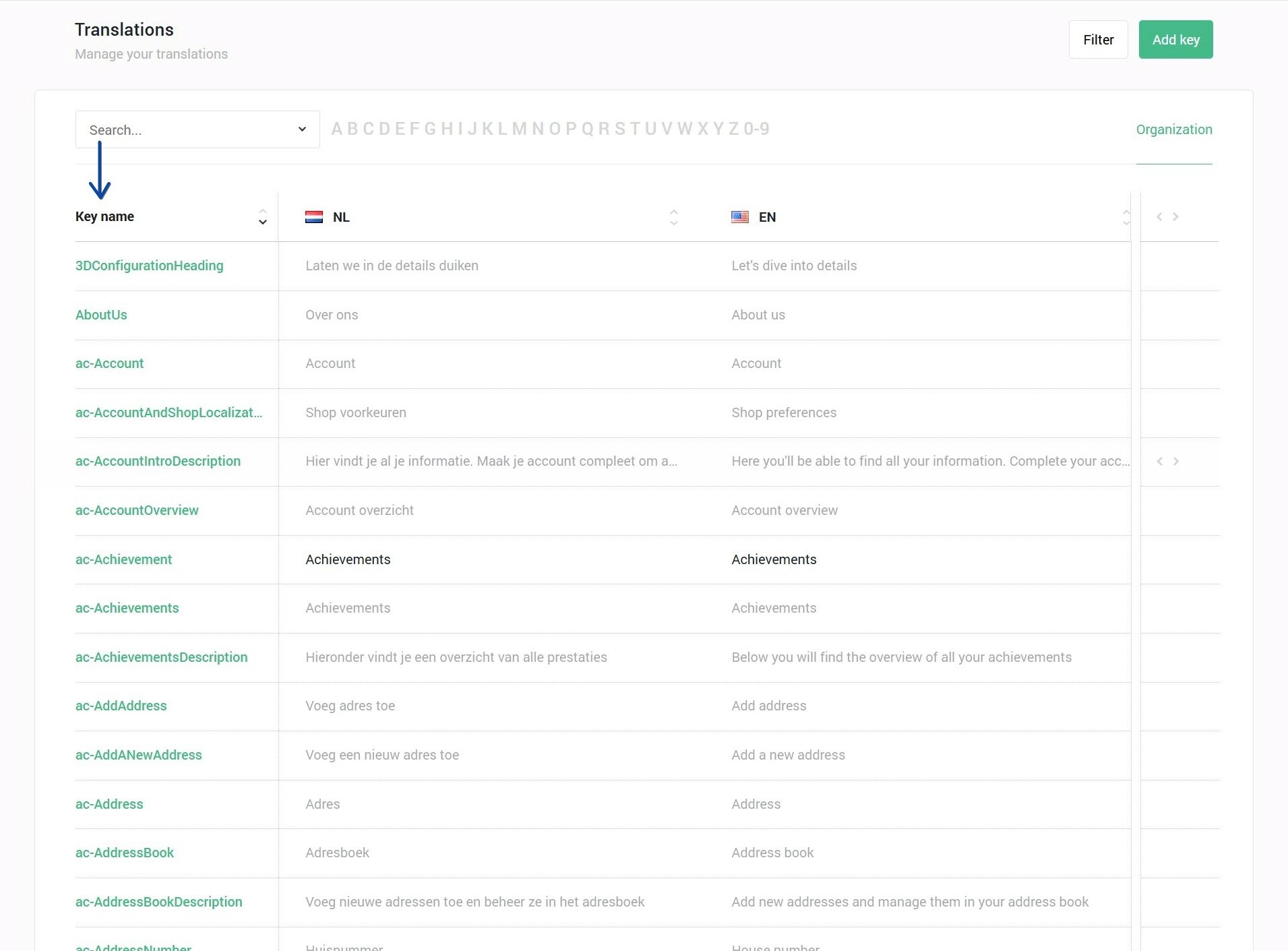
- Translation key
Unique keywords in software or websites that map text strings to their translations in several languages.
Y
- Yuna viewer
An interactive 3D product viewer by Colengo, for e-commerce and digital showrooms.