
PlatformFeaturesDynamic order fields
Fewer clicks. More finished orders.
Customers dropping out halfway through checkout? Every extra click and every extra minute costs you orders. Dynamic order fields ask exactly what you need, and nothing more.
- Choose which data you ask for
- Change fields by drag and drop
- The postal code fills in street and town
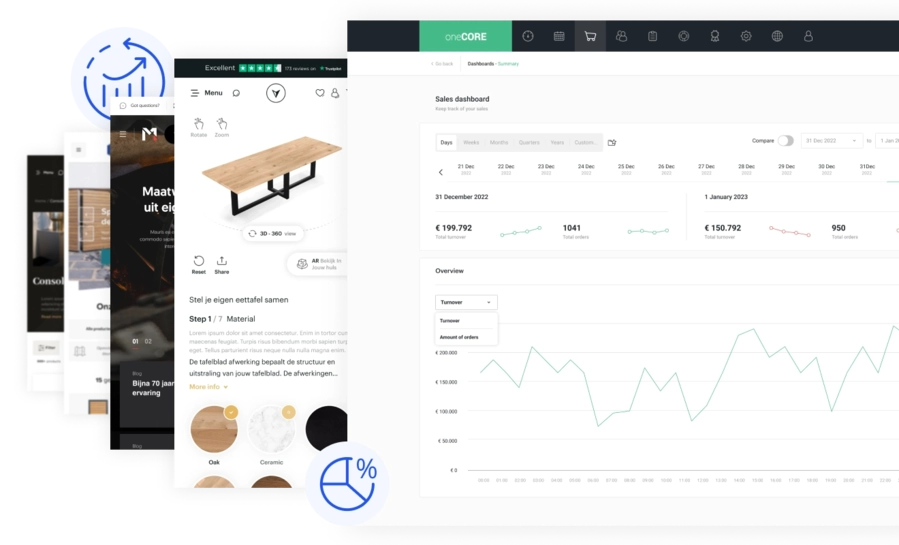
How it works
Order fields that fit your checkout.
01
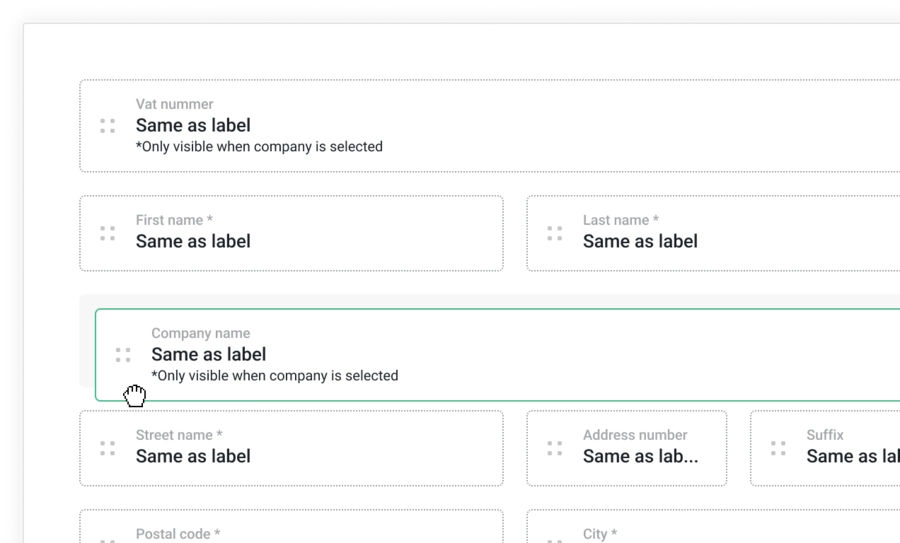
Ask for the data you need.
Your conversion rate depends on how many clicks a customer makes and how long buying takes. That's why we made oneCORE's checkout as efficient as we could, with dynamic order fields built in.
You choose which data you collect from online customers. Unlike static fields, you change them in the back end of your site, by drag and drop.
02
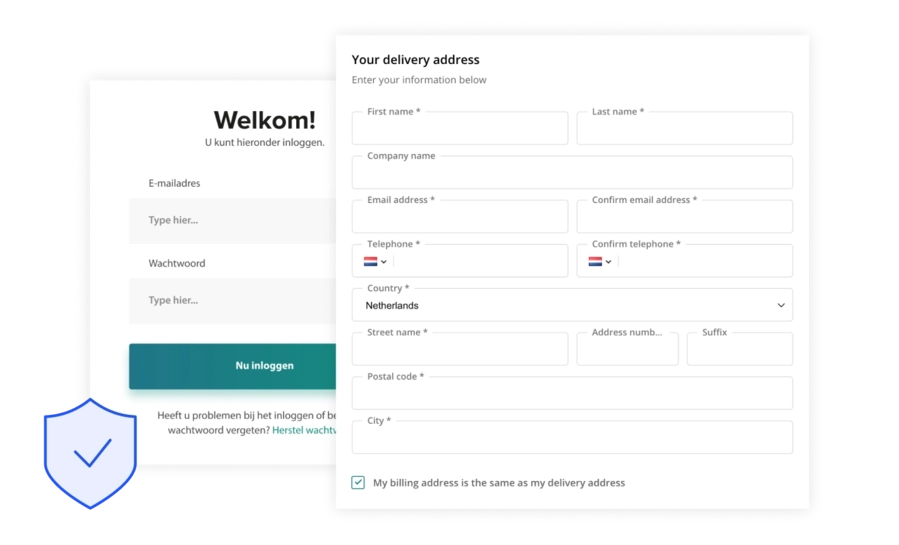
One feature, many forms.
Dynamic order fields work at several moments in a customer's visit. oneCORE clients use them for:
- The login form
- The order form before checkout
- Smart postal code fields
03
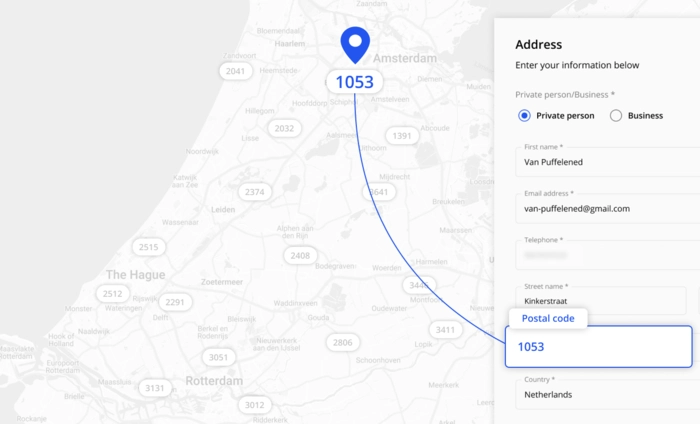
Smart postal code fields.
Enter a postal code and house number, and the street and town fill themselves in. Fewer errors, less time, and fewer clicks between the cart and a finished order.
Related
Works well with.
Want a checkout that finishes more orders?
Book a 30-minute demo, or try a configurator in 3D first.