
PlatformConnectWooCommerce

Keep your WooCommerce shop. Add a configurator.

Add the oneCORE product configurator to the WooCommerce webshop you have. Customers design their product on your own site and see the price change with every choice. Every order arrives in WooCommerce with all its details.

  • No new webshop and no migration
  • Your own prices and rules, with every choice
  • Every order in WooCommerce, ready for production

Works with WordPressWooCommerce

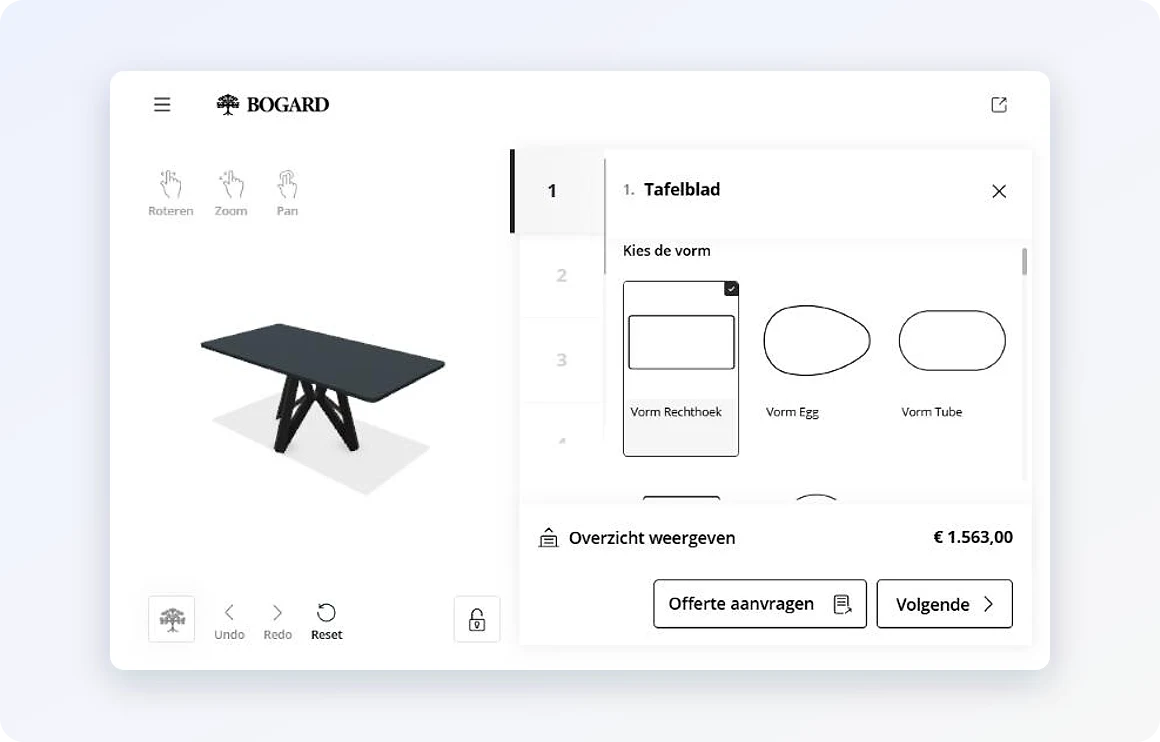
Bogard's table configurator on its WooCommerce webshop

Price with every choiceFrom your own price rules

New order in WooCommerceWith the full configuration

Try it

From configuration to WooCommerce order.

Configure a Bogard table, put it in the cart and place the order. Beside it: what oneCORE does at every step.

yourshop.com/product/dining-table
A Bogard dining table

Dining table, made to measure

Bogard · handmade in Bergeijk

Shape
Finish
Size
Thickness

Base
€ 0incl. VAT

Options and prices are Bogard's own, from its current price list. The cart and order show how WooCommerce displays a configured product; they are not Bogard's shop.

How it works

How oneCORE works with WooCommerce.

Bogard's configurator: choosing the shape of the tabletop

01

Configure on your own site.

The configurator runs on your own product pages, in your own design. You keep WordPress and WooCommerce, and oneCORE adds the configuration.

  • No new webshop and no migration
  • In your own design, on your own product pages
  • The same configurator on a screen in the store

Price, recalculated

  • Tabletop · rectangle 220 × 100 cm, 40 mm€ 995
  • Base · 2 cylinders€ 875
  • Total incl. VAT€ 1,870
Add to cart 1 product, 6 attributes

02

Your price, every choice.

The price comes from your own price rules and updates with every option. One click puts the configured product in the WooCommerce cart, with its full description, so customers order the way they always do.

  • Prices from Excel, your ERP or oneCORE itself
  • Rules decide which options fit together
  • Straight into the cart, with every choice listed
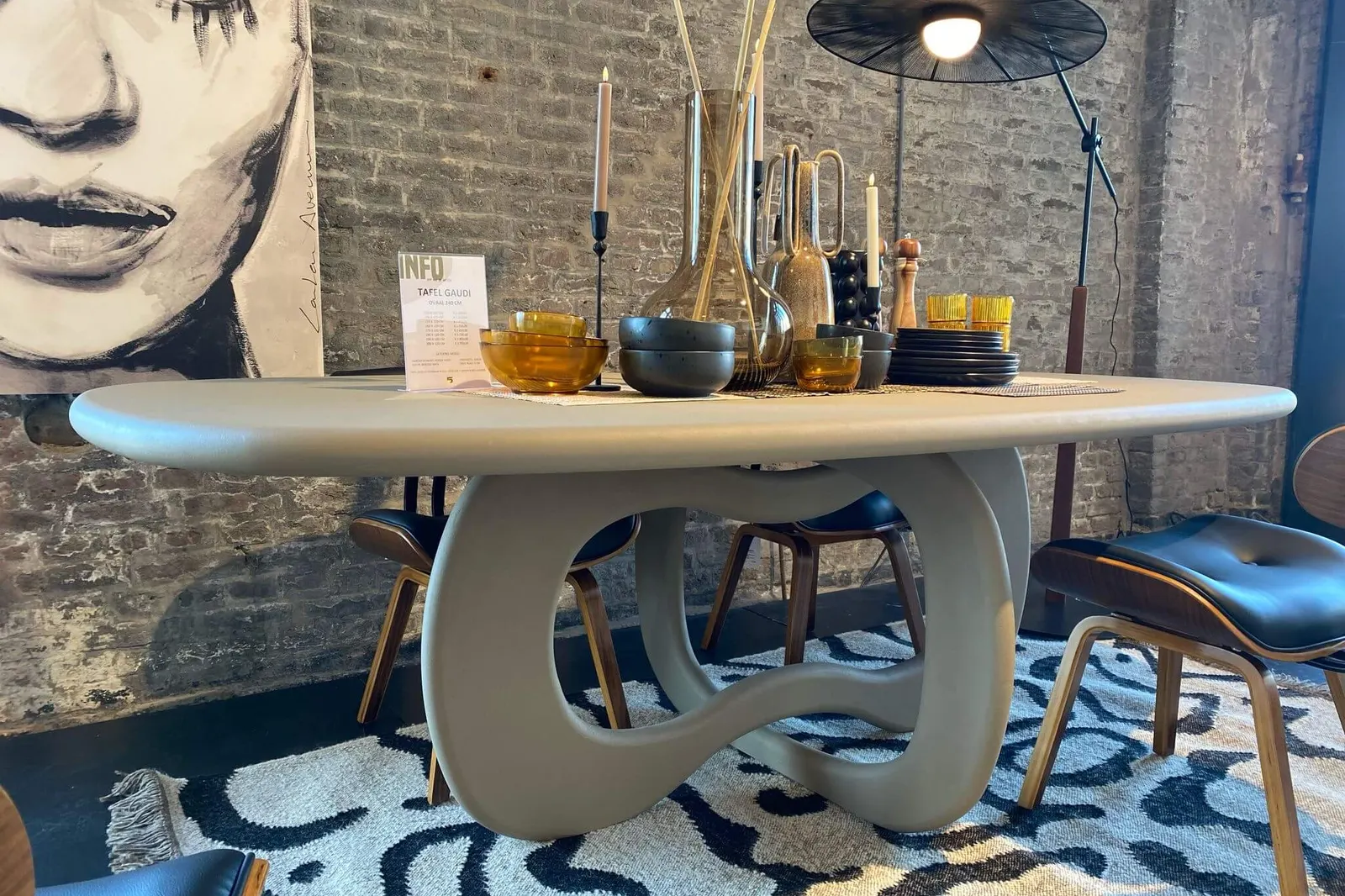
A Bogard table in a store
Online or in the store: Bogard's orders all arrive in its WooCommerce.

03

Orders with every detail.

Every order lands in WooCommerce with the complete configuration: shape, size, finish and options. Ready for production, without typing anything over, and with every sales channel in one order system.

  • The full configuration on every order line
  • Nothing typed over, nothing lost
  • Webshop and store orders in one system
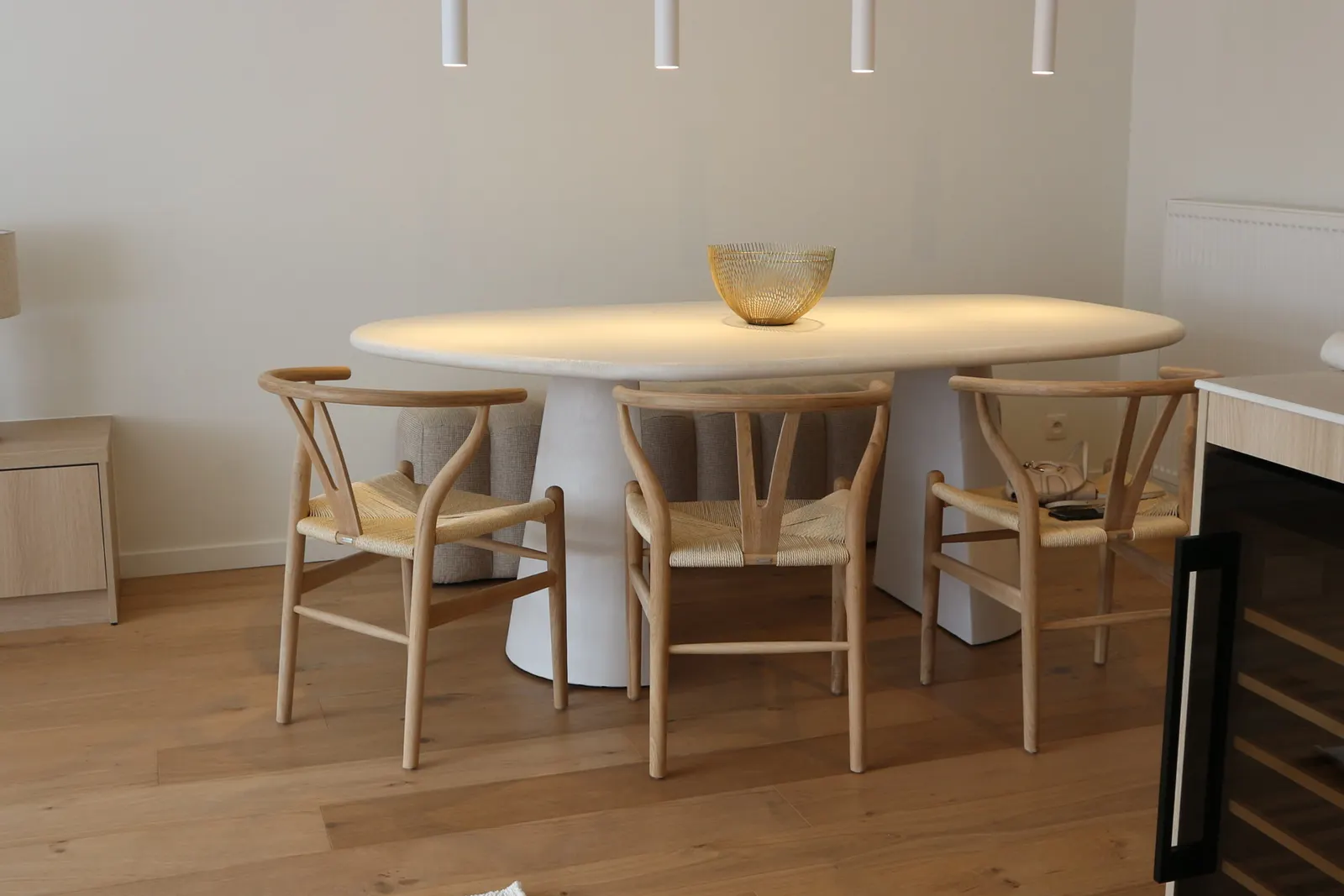
A Bogard table in a dining room

Customer story · Furniture

One configurator for the webshop and the Loods 5 store screen.

Bogard makes custom tables by hand in Bergeijk. Customers design their table on Bogard's WooCommerce webshop or on a screen at Loods 5, and every order lands in Bogard's own WooCommerce.

Read the story Try it in 3D

Questions

WooCommerce and oneCORE.

Do we need a new webshop?

No. oneCORE adds the configurator to your existing WordPress and WooCommerce site. Your shop, your checkout and your customers stay where they are.

Where do the prices come from?

From your own price rules. They can come from Excel, your ERP or oneCORE itself, and rules decide which options fit together.

What do we see in WooCommerce?

Every order with the complete configuration on the order line: shape, size, finish and options. Ready for production, without typing anything over.

Can the same configurator run in our store?

Yes. Bogard runs it on a screen at Loods 5 with the Yuna Player, and those orders arrive in the same WooCommerce.

How long does it take, and what does it cost?

That depends on the number of products and options, and on whether you have 3D models. In the demo we look at your products and give you a realistic timeline and price.

Want to see it in your own shop?

Book a 30-minute demo, or try a configurator in 3D first.