
SolutionsCommerceGuided selling / CPQ

Configure. Price. Quote. In one flow.

Guide your customer, dealer or salesperson to a product you can actually make, at the right price, with the quote ready at the end. oneCORE checks every choice against your rules, prices it from your own lists and turns it into a quote.

  • Rules show only what fits
  • Complex pricing, built in
  • A quote in your name, automatically

Configure

RectangleOvalRoundOak

Round with oak: 23 of 102 bases fit. Only those are shown.

Price

Tabletop, size and materialpriced
Base and finishpriced
Total, from your price listreal-time

Quote

Every line priced, in your name✓ Sent

An example, with one of Table du Sud's own rules.

Guided selling

Every step guided by your rules.

A dining table at Table du Sud, step by step. The rules are theirs, as they run in the configurator you can try yourself.

RectangleOvalRound

Oval comes in fixed sizes. The size slider snaps to the nearest one.

The shape sets the rules for what follows.

Pick a shape, and the sizes and bases on offer change with it. The customer never has to know why; they only see choices that work.

  • Rectangle
  • Oval
  • Round

The rules are Table du Sud's, as in their configurator on our try page.

How it works

One flow, whoever is selling.

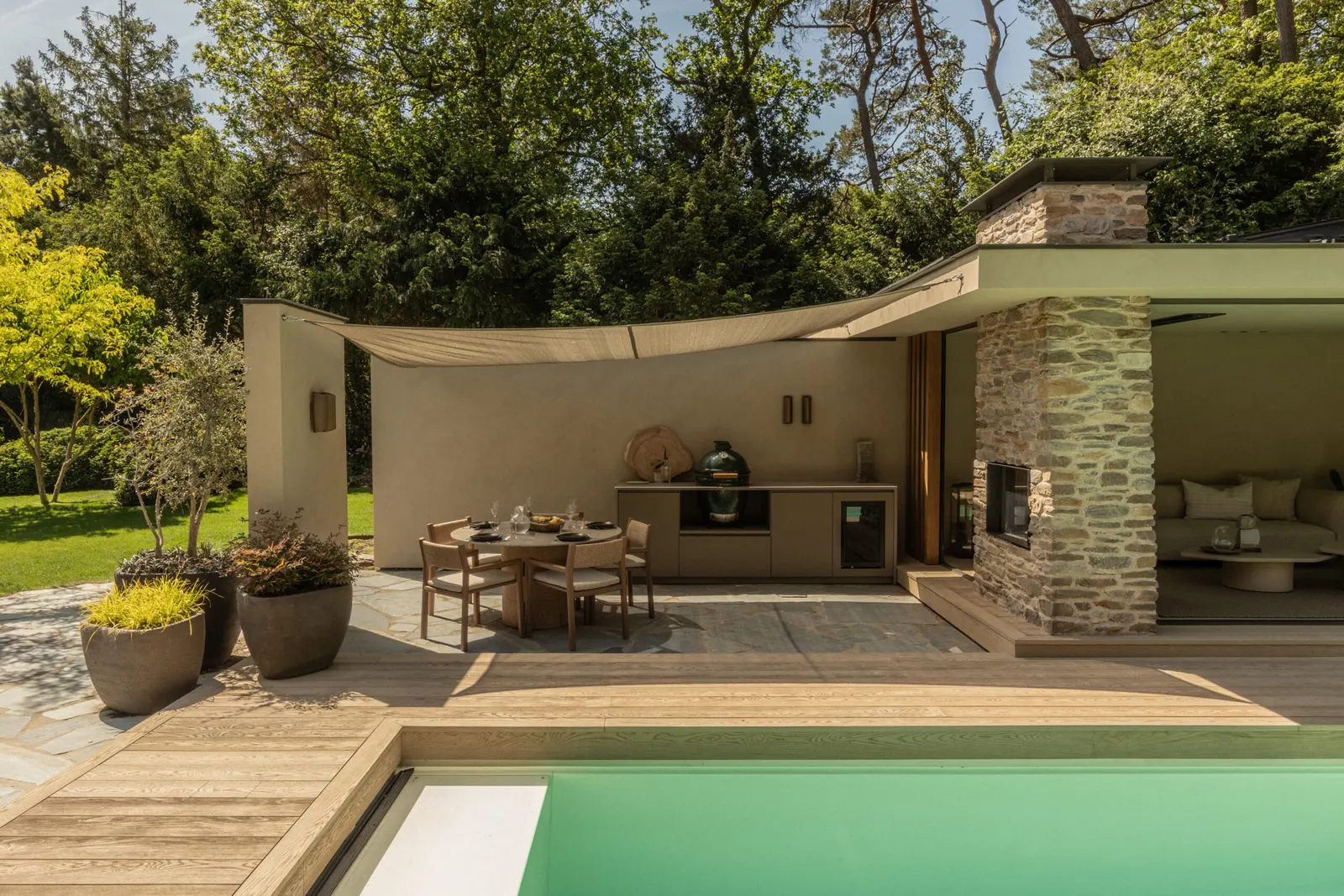
A Lusso Outdoor kitchen in a garden

01

Customers, on your website.

Customers configure the product themselves and request a quote with one click. Lusso Outdoor's customers build their kitchen module by module, with the price as they go, and every configuration becomes a quote automatically.

  • Drag and drop parts that know what fits
  • The price with every choice
  • A quote with one click
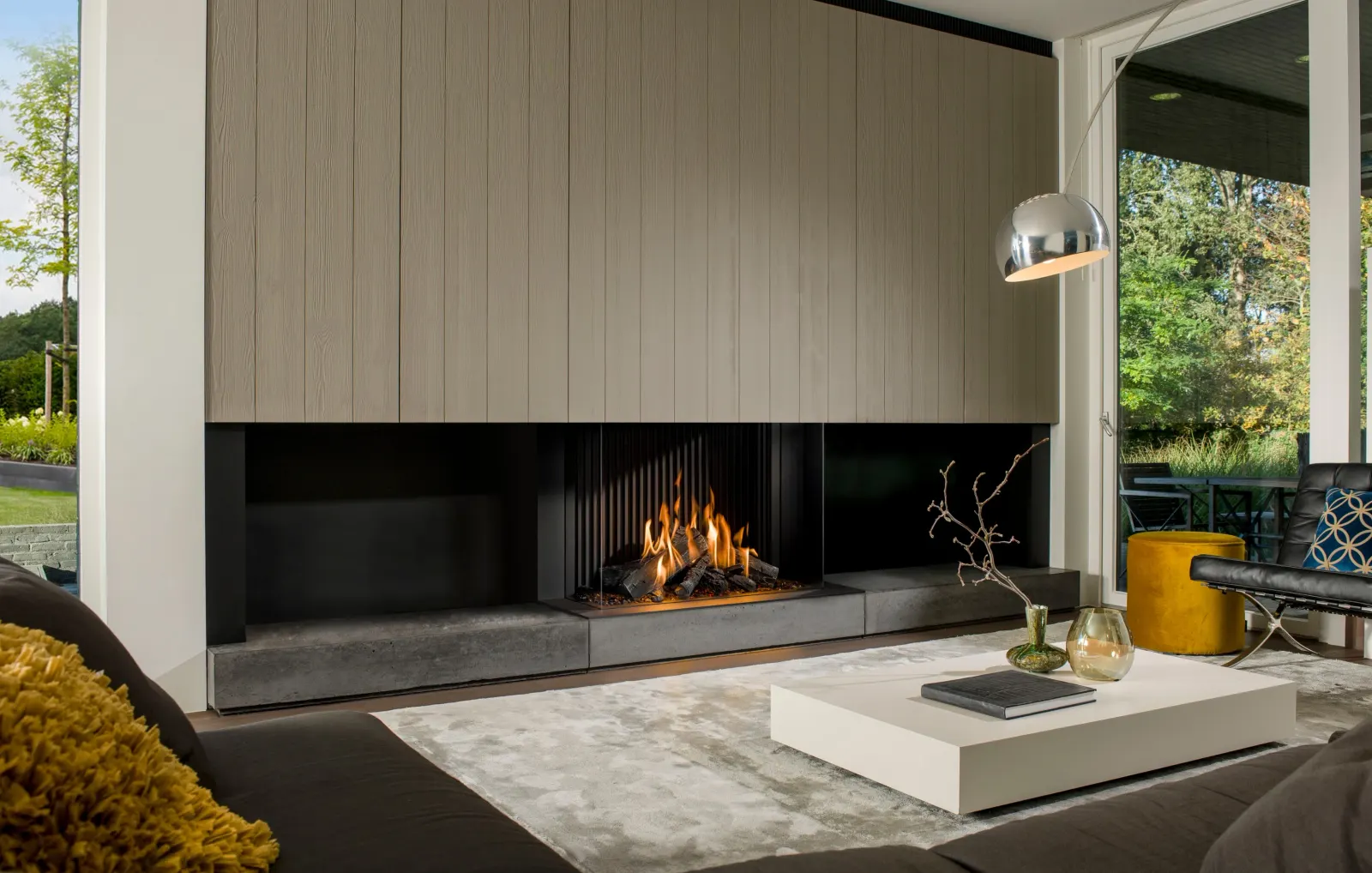
A Barbas fireplace in a living room

02

Dealers and salespeople, in a portal.

Dealers log in, configure, see their own price and order. Barbas' dealers configure fireplaces in their portal, and each order goes on into Barbas' ERP and production. A salesperson can order a configured product for a customer with one click.

  • Their own prices and terms
  • Ordered directly, or quoted
  • Straight into your ERP
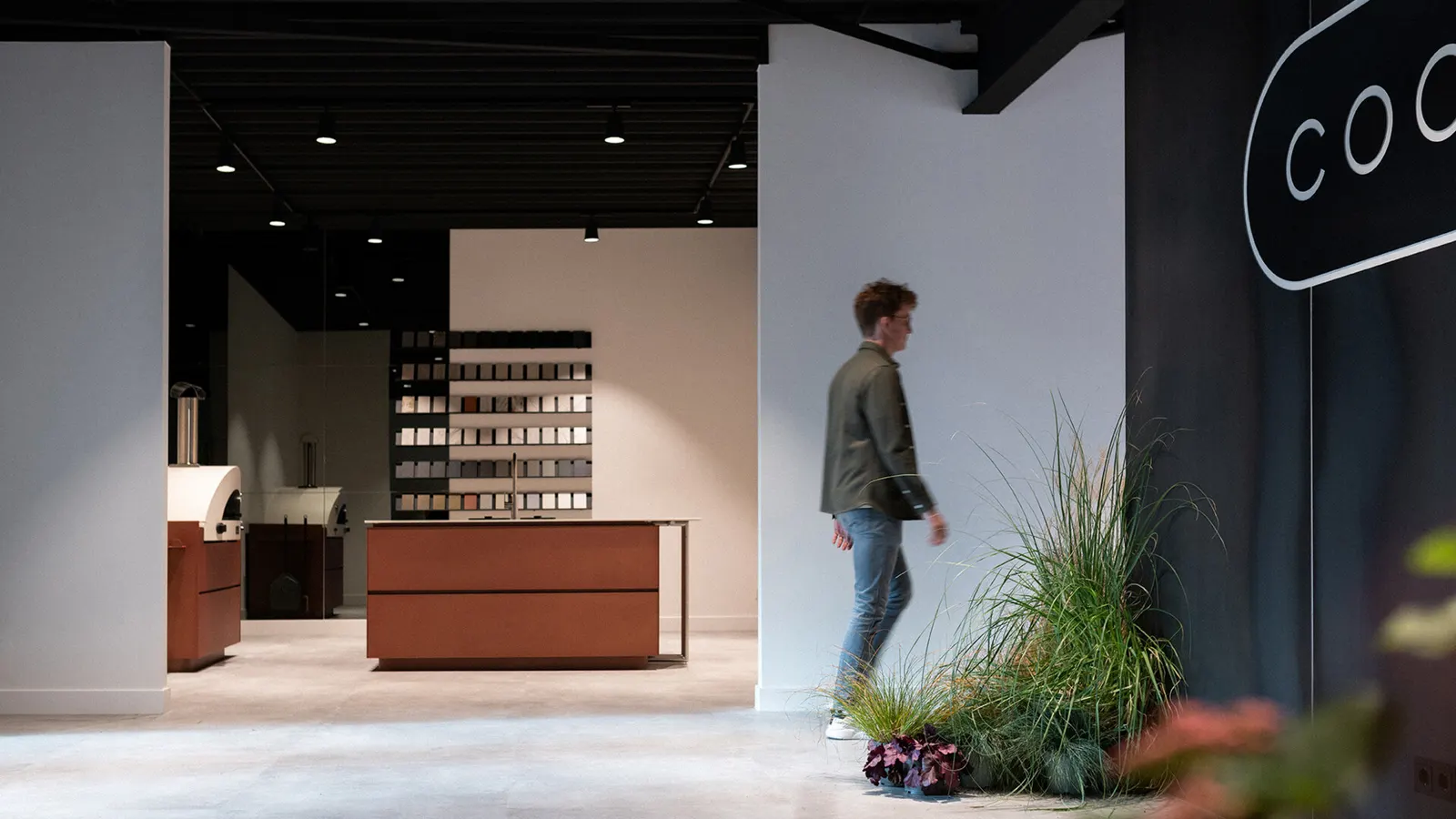
The COOXS showroom in Kootwijkerbroek

03

In the showroom and at fairs.

With the Yuna Player the configurator runs on a showroom screen, where you configure together with your customer. At fairs, visitors scan a QR code and configure on their own device. The quote goes to their email as soon as they finish.

  • Configured together, in real time
  • A QR code at fairs and events
  • The quote in their inbox
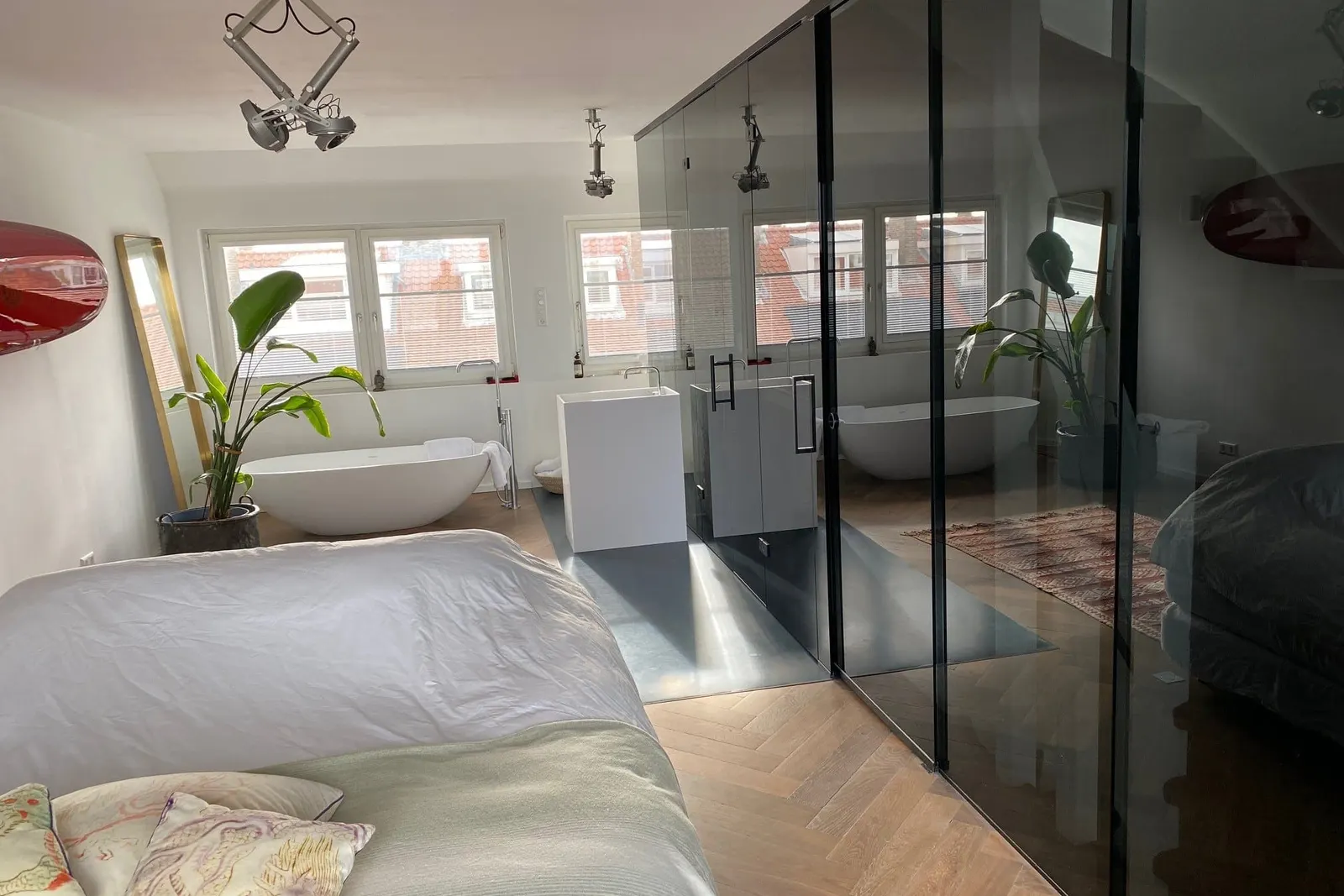
A Glass Inside glass door

Customer story · Glass doors

Configured, priced and quoted in two minutes.

Glass Inside's customers configure pivot, hinged and sliding glass doors in 3D. Prices come from Glass Inside's own Excel price lists, and each configuration becomes a quote within two minutes.

Read the story Quote in minutes

Questions

Guided selling and CPQ.

Is oneCORE a CPQ?

Yes, it can be seen as a CPQ (configure, price, quote). We focus on configurable consumer products such as furniture, doors and glass. For very industrial applications, other solutions may suit better.

How do the rules work?

Configuration rules decide which product editions can be combined. For example, a rule can block a material from a colour when that combination can't be produced.

Our prices are complicated. Is that a problem?

No. Complex price structures are standard in oneCORE, including prices for combinations of options, so there is no need for an external price tool. Prices can come from Excel, your ERP or oneCORE itself.

Quote or order: which do we need?

The product configurator is made for requesting quotes for configured products. The sales portal is made for processing orders directly, for example by dealers. You can start with one and add the other.

Guide every sale to a yes.

Book a 30-minute demo, or try a configurator in 3D first.