
A proven foundation
oneCORE has been developed and used in production since 2011. You can start small with a standard module and extend it later, with the same quality throughout.

oneCORE by Colengo · Build to Go
With oneCORE, your customers, dealers and sales team configure, price and order made-to-order products online. We have developed the platform ourselves since 2011, for manufacturers of furniture, doors, fireplaces, outdoor kitchens and more.
30+ active clients on oneCORE15+ years building oneCORE
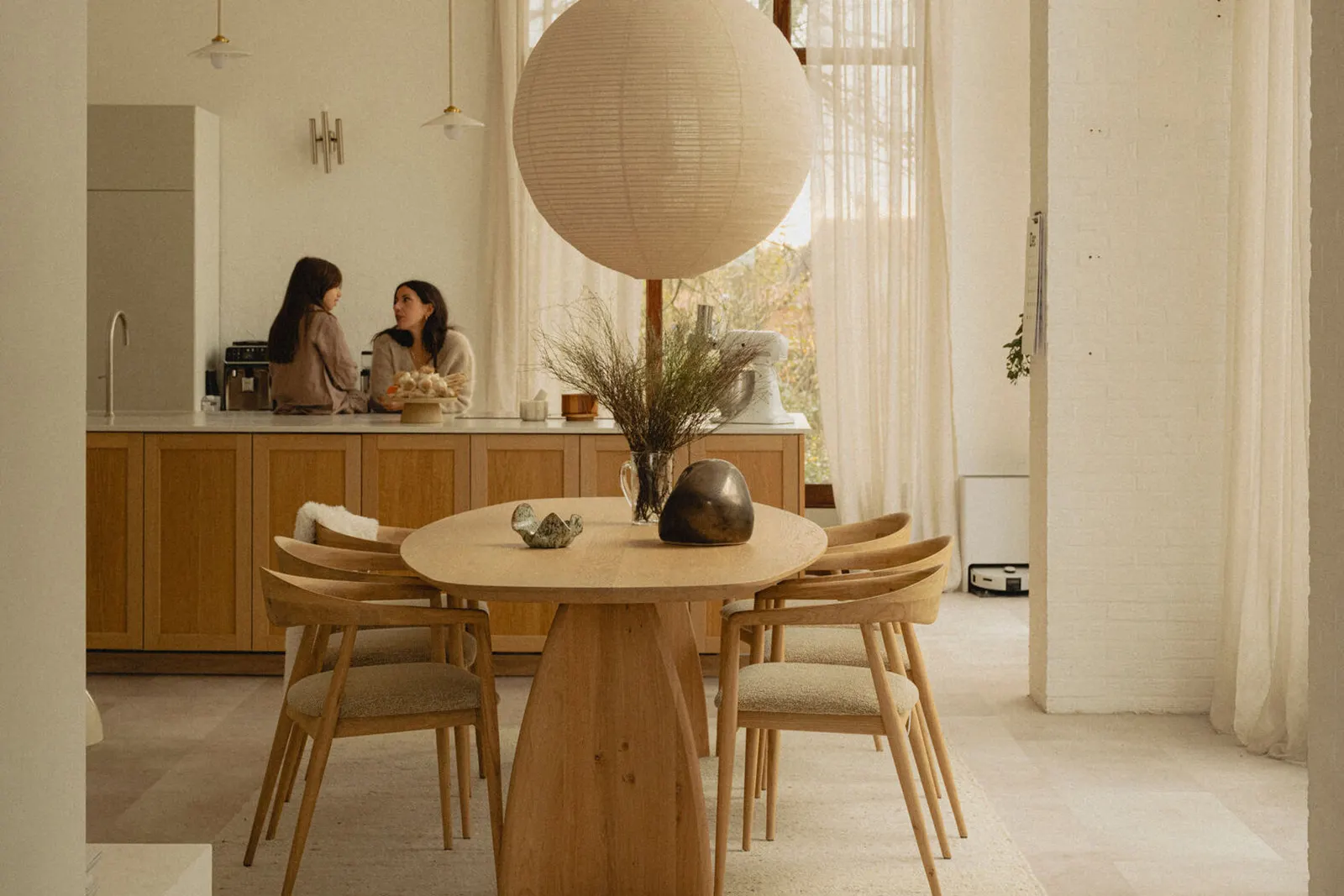
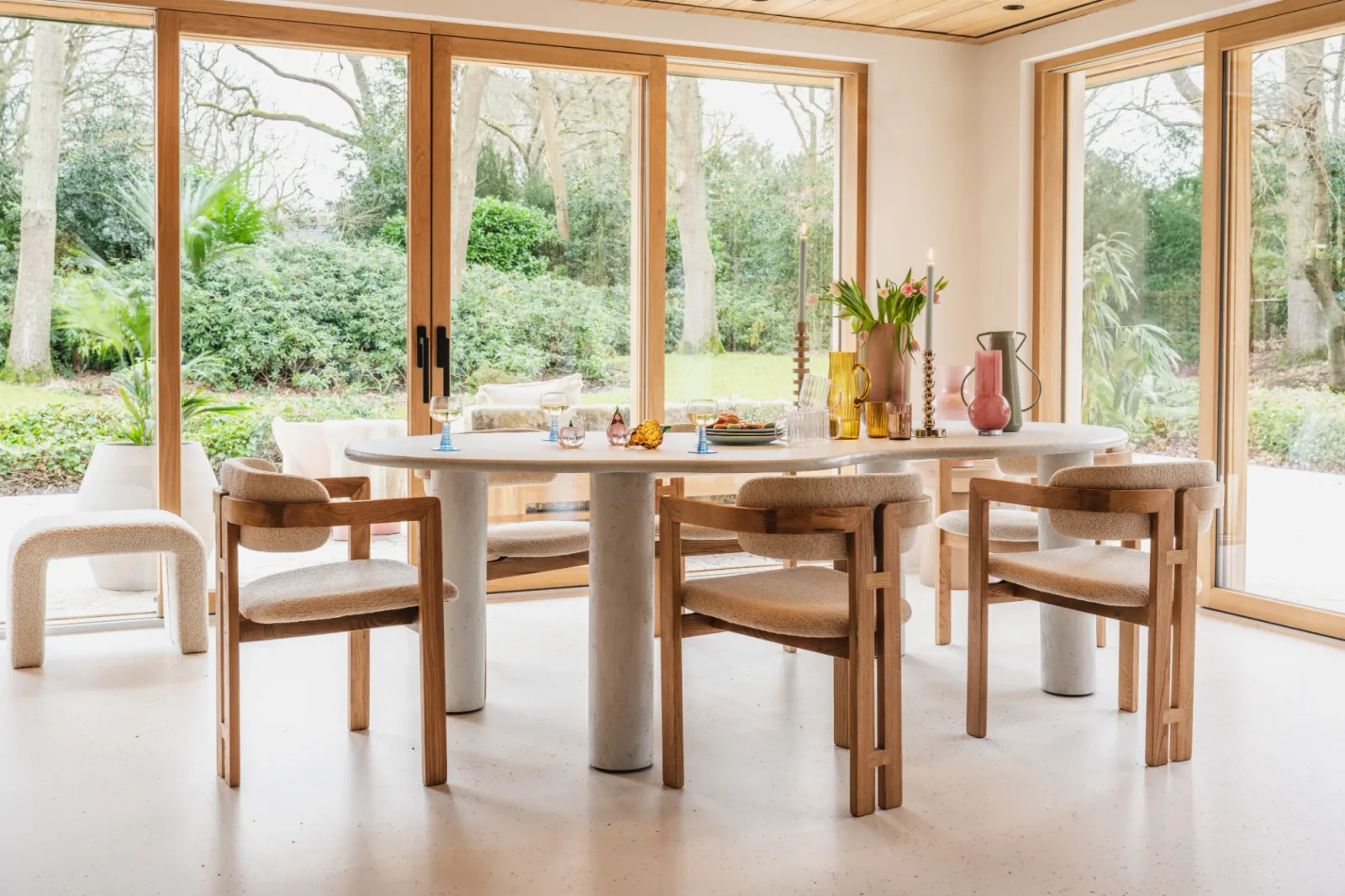
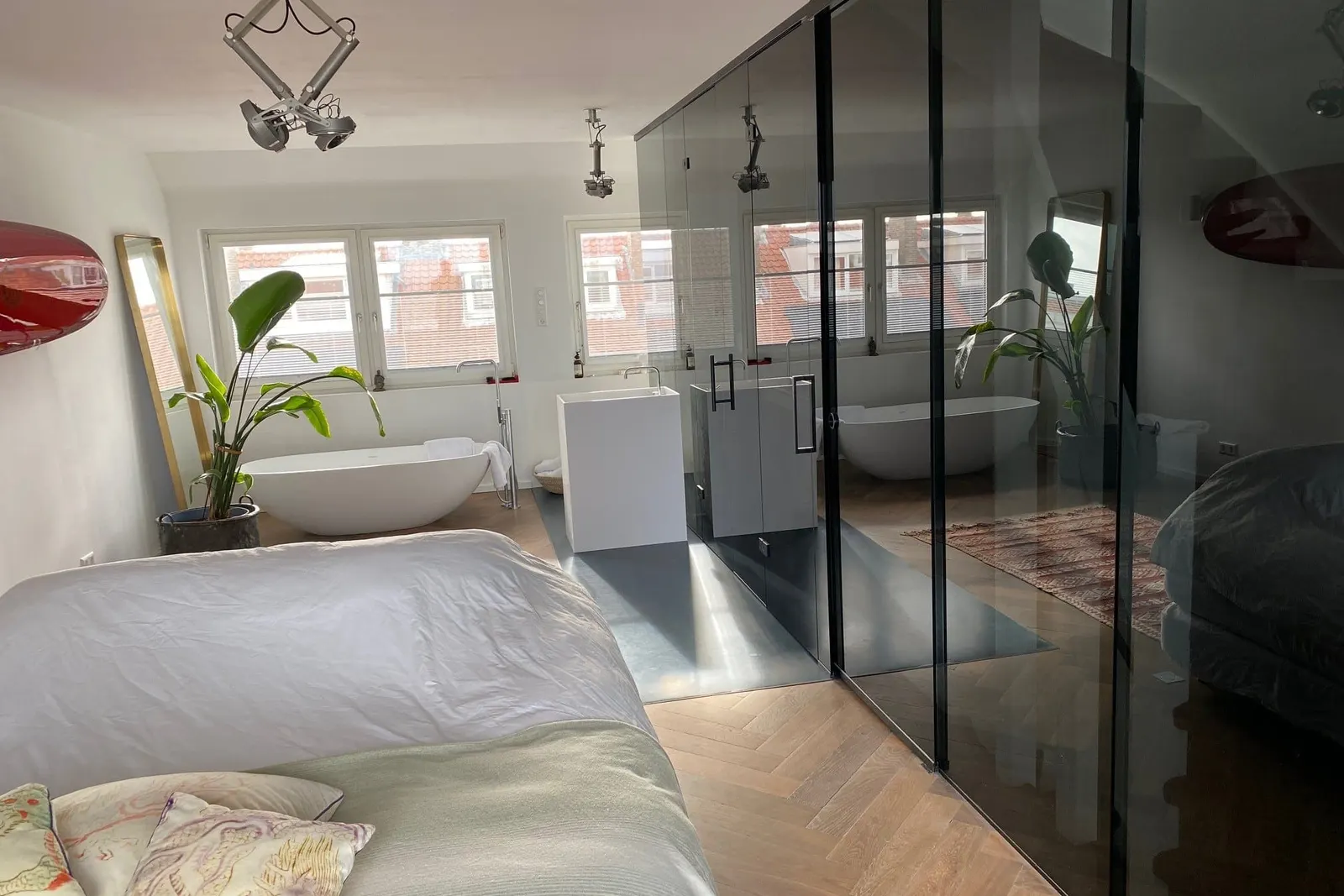

Webshop, in 3D
Configuring Dining table
oneCORE
Manufacturers and brands building on oneCORE
























How we work
Most customers start with a configurator, a webshop or a dealer portal. Everything you add later runs on the same platform.
oneCORE has been developed and used in production since 2011. You can start small with a standard module and extend it later, with the same quality throughout.

Before we build, we look at your products, your processes and your market. After the launch we stay involved and keep improving the setup with you.

New product lines, countries, dealers or integrations are added to the platform you already have, and so is AI, for example to write product content or create product images. You don’t have to start over.
Try it yourself
Two live configurators: a complete interior in photo quality, and a real customer’s dining table with everything oneCORE does behind the scenes.
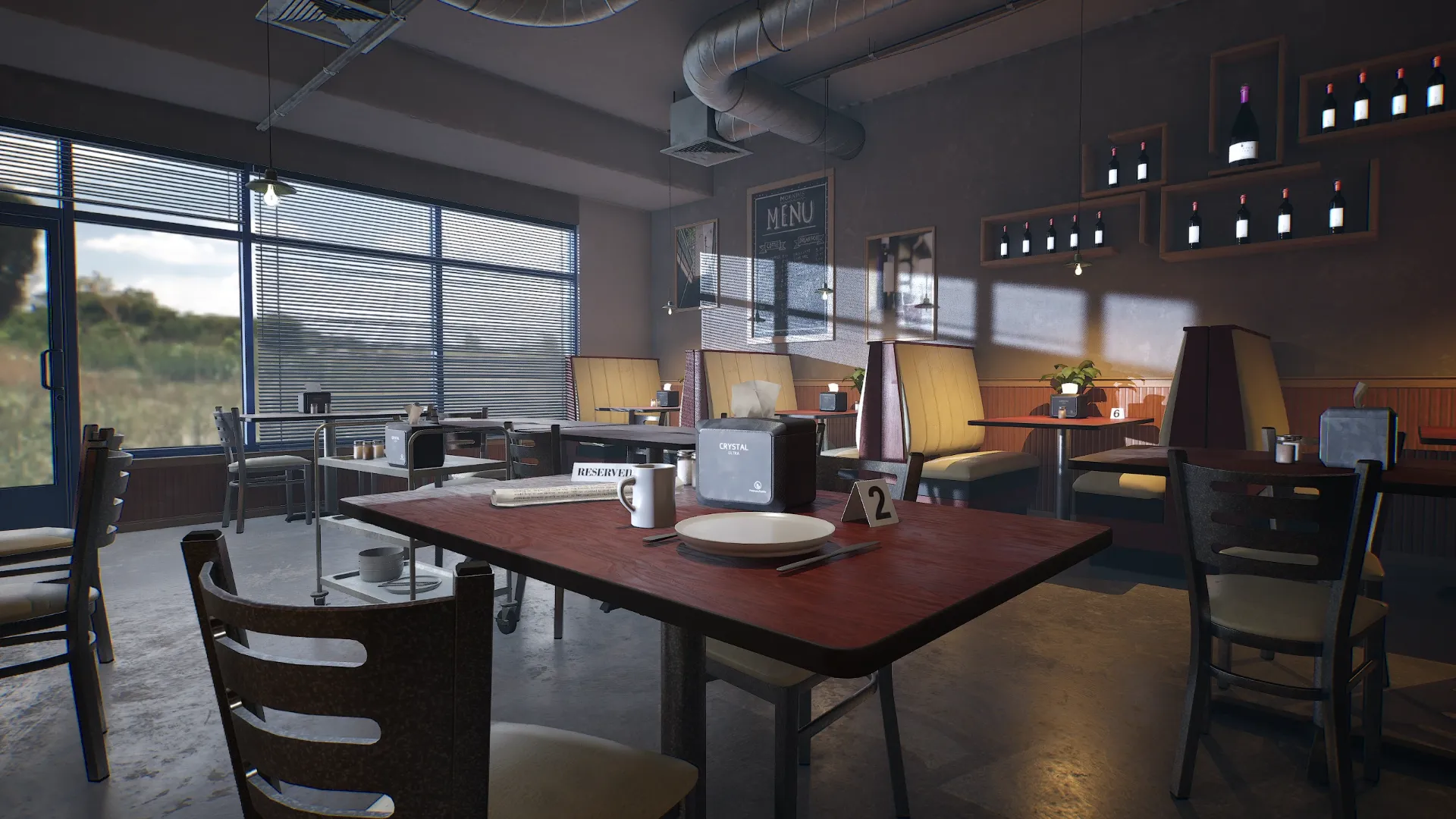 Live configurator · Coffee shop
Try it live
Interior · photo quality
Choose the tables, chairs and benches, the upholstery, the walls and the light. Every change rendered live.
Open the live demo ↗Table du Sud · behind the scenes
Change the shape, size, oak and base, and watch the price, rules and order data update with every click.
Try the configurator →The coffee shop demo opens in a new tab.
What oneCORE does
Too often the quote still comes from a spreadsheet, the order is typed over and every channel sells its own way. oneCORE puts your products, rules and prices in one place, so your webshop, dealers, sales team and showroom all configure, price and order from it.
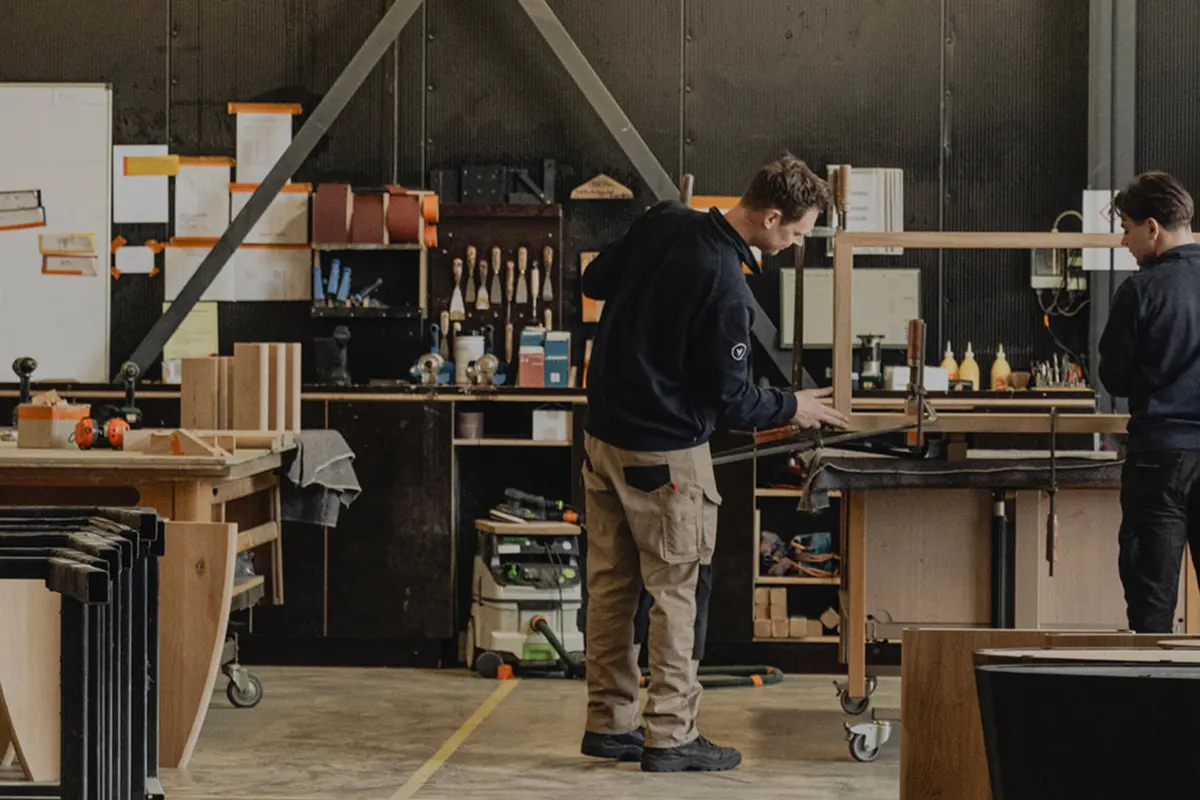
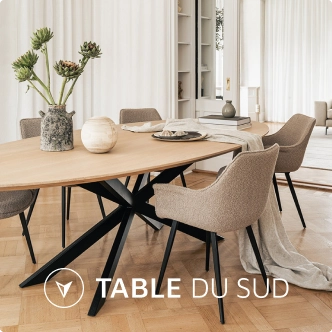
Table du Sud · Made-to-measure tables, Heeze
Every table, cabinet or sofa is made to measure, in sizes, woods and finishes that multiply fast.
Customers design their piece online in 3D and see the price. Dealers and showrooms order in the same flow.
UsesVisualizeAutomateConnect
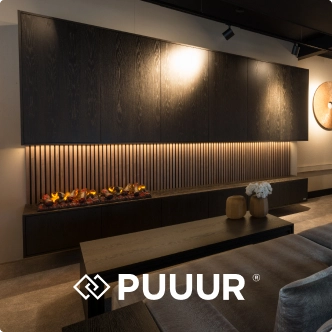
Makers like Table du Sud, PUUUR and Bogard
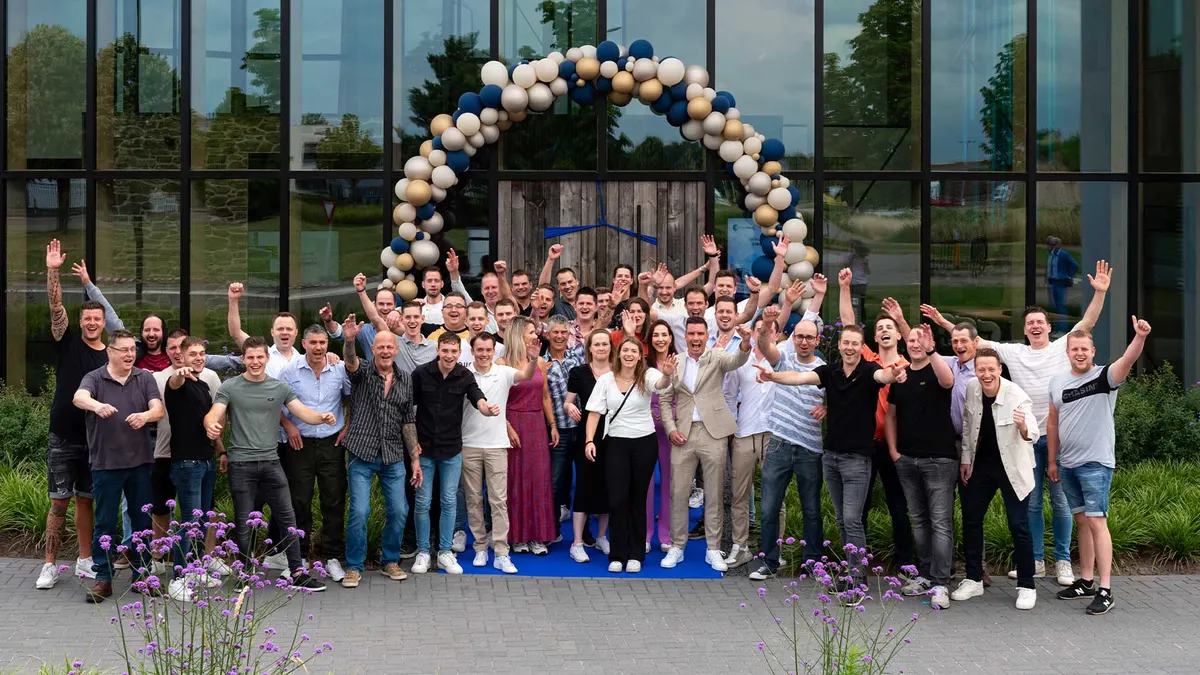
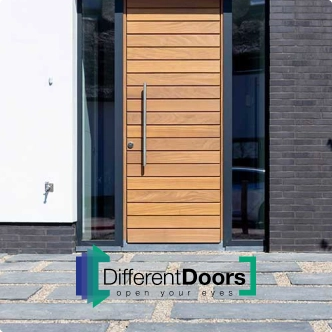
Different Doors · Garage and front doors, Budel
Doors are made to the millimetre, and every quote used to take an expert’s time.
Customers and staff design the door together in 3D, and the price follows on the spot, from your own price list.
UsesVisualizeAutomate
Makers like Different Doors and Glass Inside

COOXS · Luxury outdoor kitchens, Kootwijkerbroek
Hundreds of modules and finishes, and every kitchen has to fit a different garden.
The kitchen is designed in 3D at real scale on the showroom screen, with technical drawings for production and the order connected to Exact.
UsesVisualizeAutomateConnect
Makers like COOXS and Lusso Outdoor

Barbas · Wood and gas fireplaces since 1976, Bladel
Built in your own factory, sold through a network of dealers who each order their own way.
Dealers configure and order online in a dealer portal, and each order flows into the ERP and production.
UsesAutomateConnect
Makers like Barbas
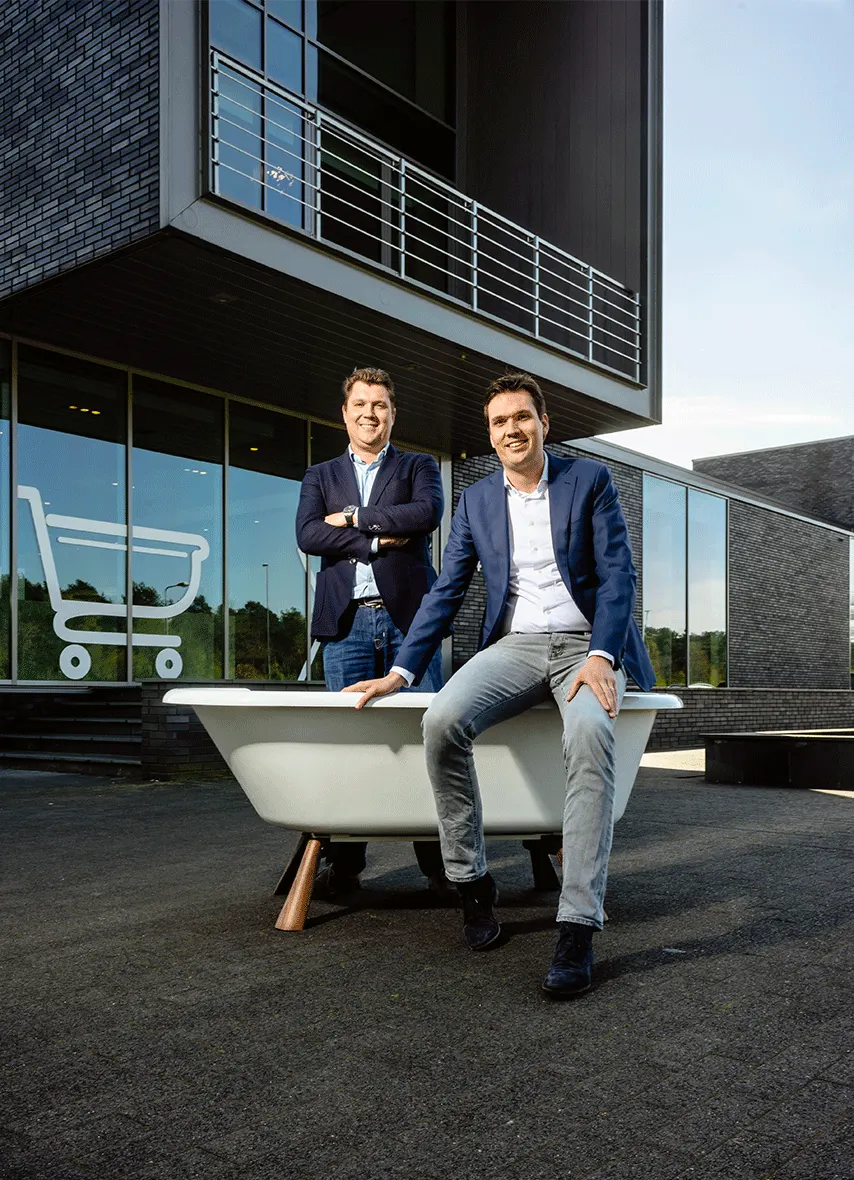
Sawiday · Saniclass bathroom furniture
Many sizes and finishes, and every variant needs its own product image online.
Every variant is rendered from 3D and refined with AI, with one 3D model for the showroom and the webshop.
UsesVisualize
Makers like Sawiday
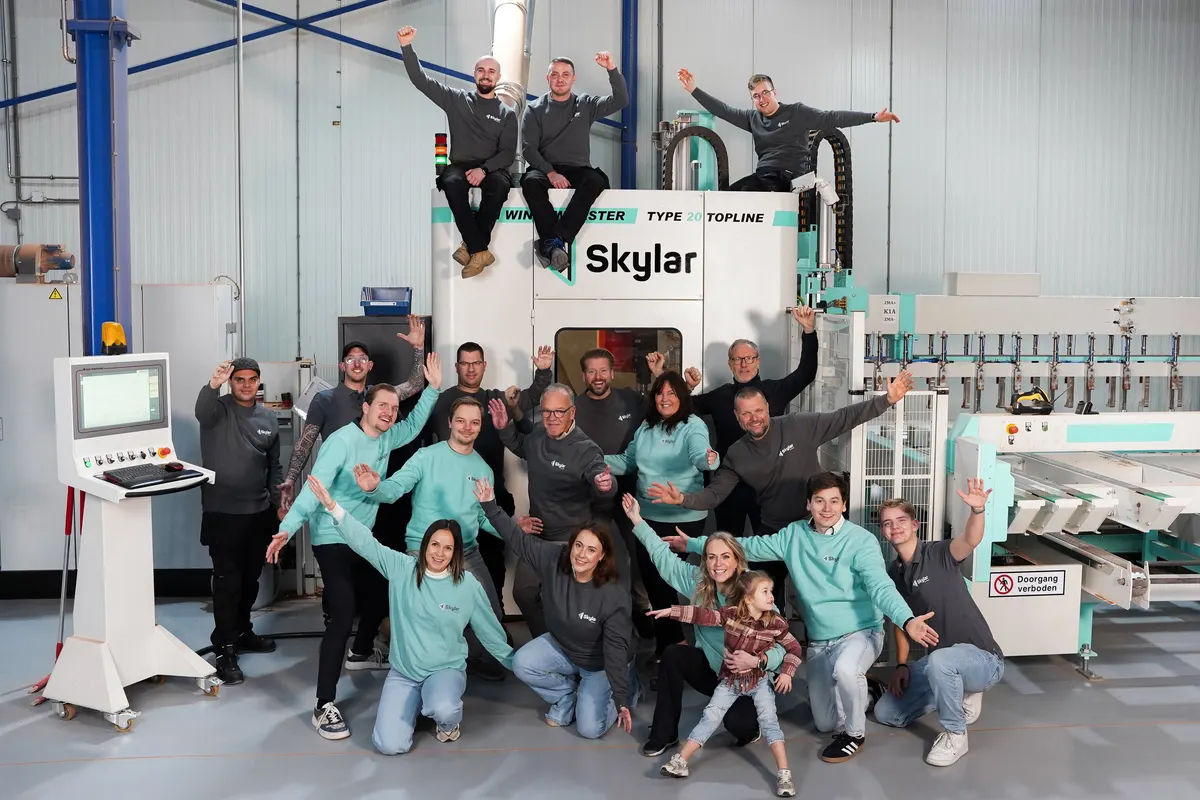
Skylar · Made-to-measure skylights, Helmond
Everything is measured to size, and every lead counts, online and at the customer’s home.
Customers configure and get a quote online, advisers configure in the living room, and every lead lands in the CRM.
UsesAutomateConnect
Our team
oneCORE is built and supported by our own team of developers, 3D artists, designers and project managers. The people who build your platform are the same people you talk to after the launch.




Customer stories
Questions makers ask us
The short answers. For your own products, a demo tells you more.
Our own team in Eindhoven: developers, 3D artists, designers and project managers. The people who build your platform are the people you talk to after the launch.
That depends on the number of products and options, and on whether you have 3D models. In the demo we look at your products and give you a realistic timeline.
Your products, options, rules and prices, in the form you have them. A spreadsheet is fine: Glass Inside’s configurator runs on its own Excel price list.
Most of the time, yes. Our 3D artists import models from Maya, 3ds Max or Blender and prepare them for the web. Reusing them saves time and cost.
Yes. The configurator can run in the webshop you already have: Bogard keeps WooCommerce and George at Work keeps Magento. Or we build your whole webshop on oneCORE, as we did for Table du Sud and PUUUR.
Where it helps: images of a configured outdoor kitchen in a real setting (Lusso Outdoor), product images rendered from 3D and refined with AI (Sawiday), and integrations built faster with our AI low-code method (Bogard). Every configurator is tested with your real products before it goes live.
You start with one module and add more as you grow. Book a demo and we’ll tell you what your setup would cost.
oneCORE is hosted in the EU. Ask us in the demo for the details on security and uptime.
Book a 30-minute demo, or try a configurator in 3D first.
Customer stories
Manufacturers of furniture, doors, fireplaces, outdoor kitchens and more, and how they configure, price and sell with oneCORE.
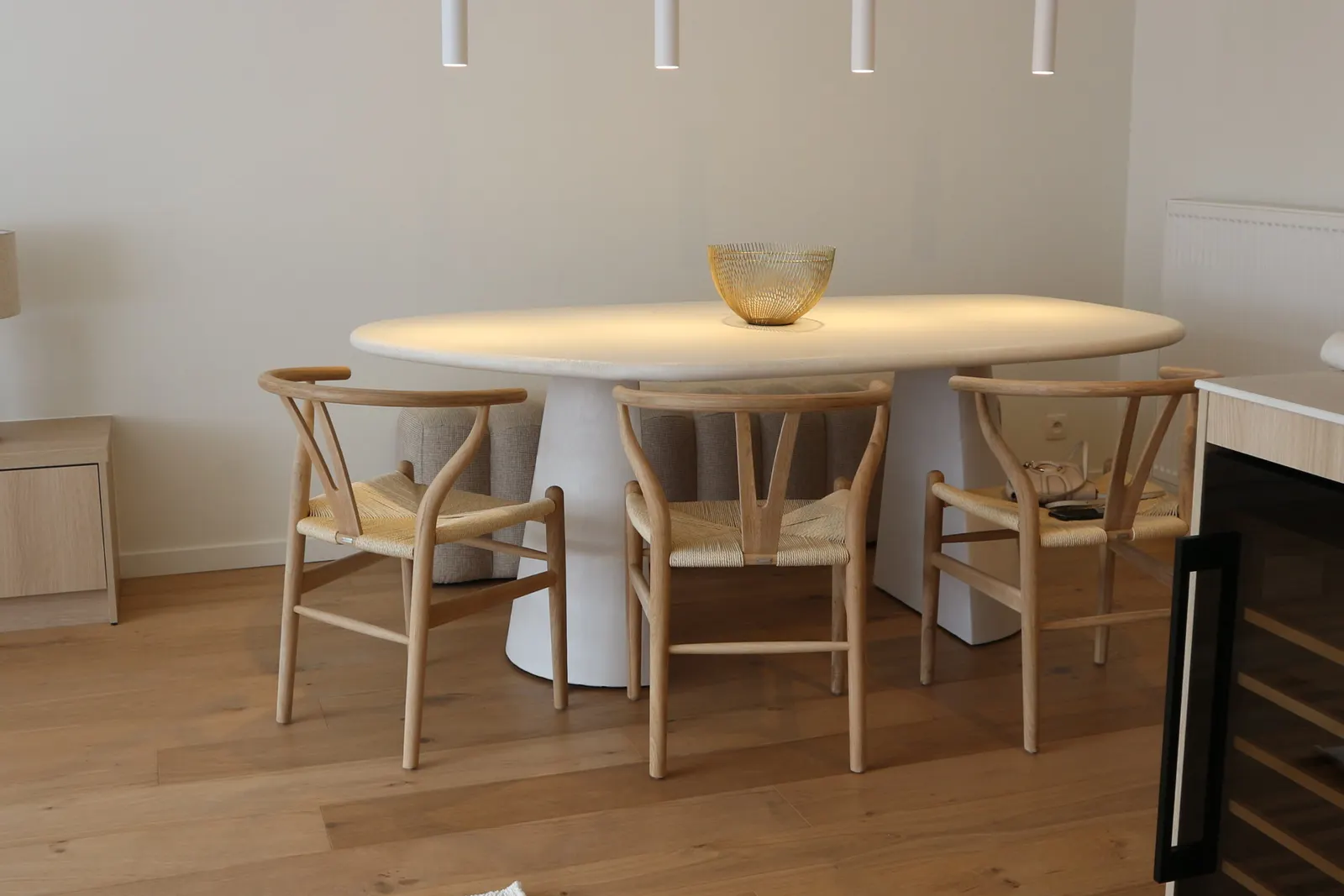 Bogard · FurnitureOne configurator. Online and in the store.
Different Doors · DoorsEvery door designed in 3D. Priced on the spot.
PUUUR · FurnitureHandmade furniture. Online, in the showroom and through dealers.
Table du Sud · FurnitureFrom a backyard shed to a multi-million-euro maker.
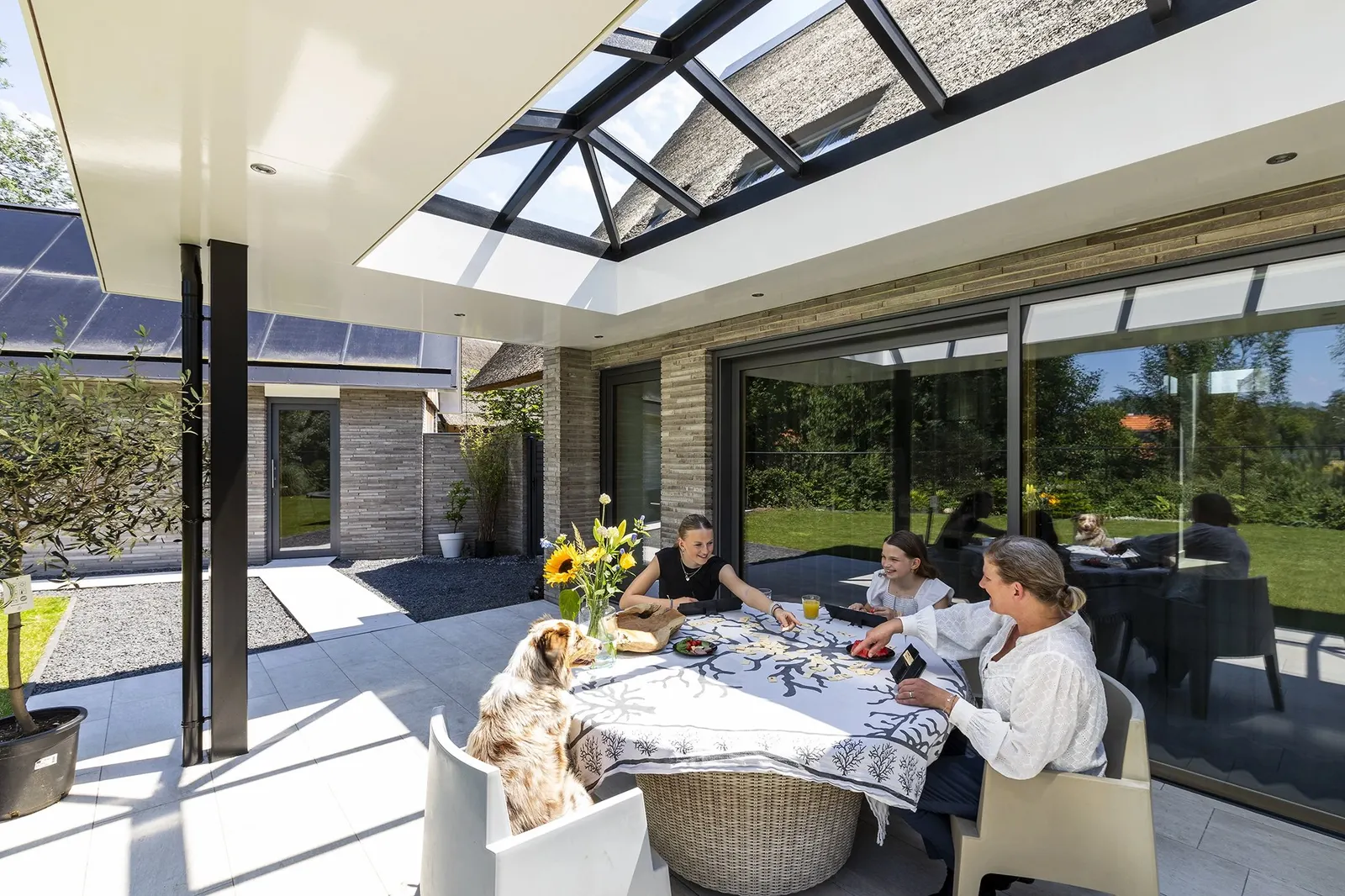 Skylar · SkylightsConfigure the skylight. The quote and the lead follow.
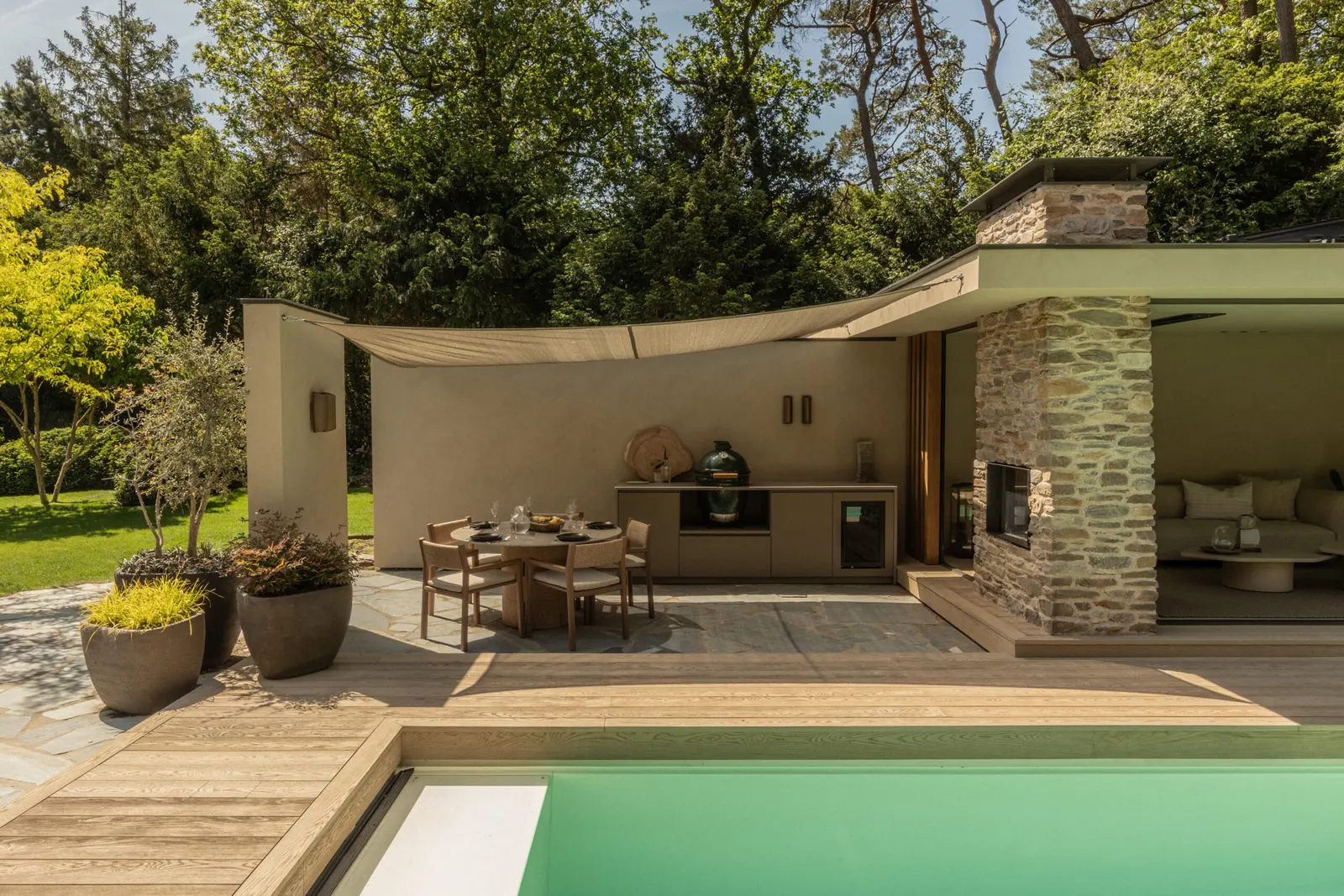 Lusso Outdoor · Outdoor kitchensFrom complex configuration to a fully automated quote.
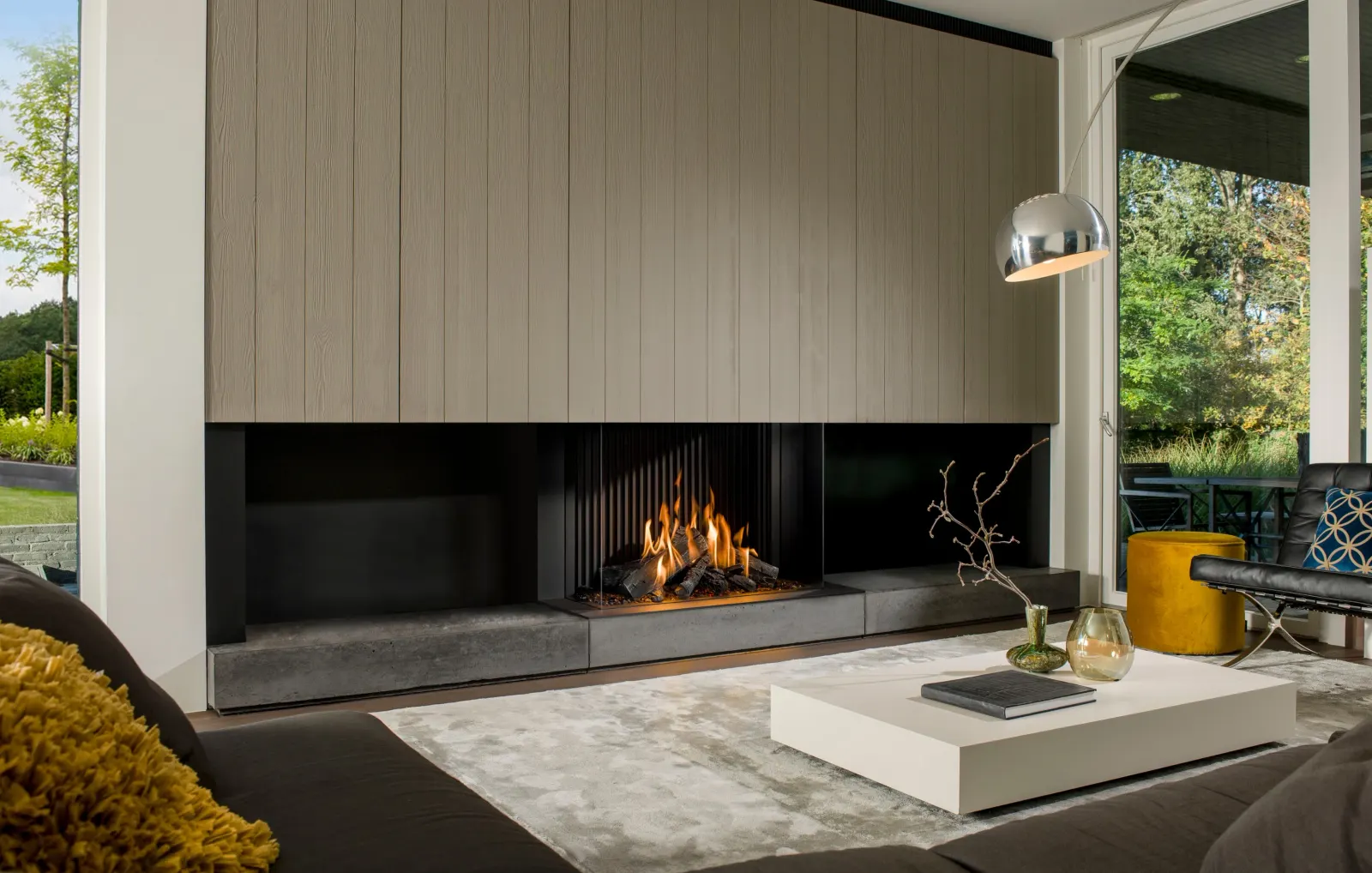 Barbas · FireplacesDealers order fireplaces. ERP and production follow.
Glass Inside · Glass doorsA quote for every glass door. In two minutes.
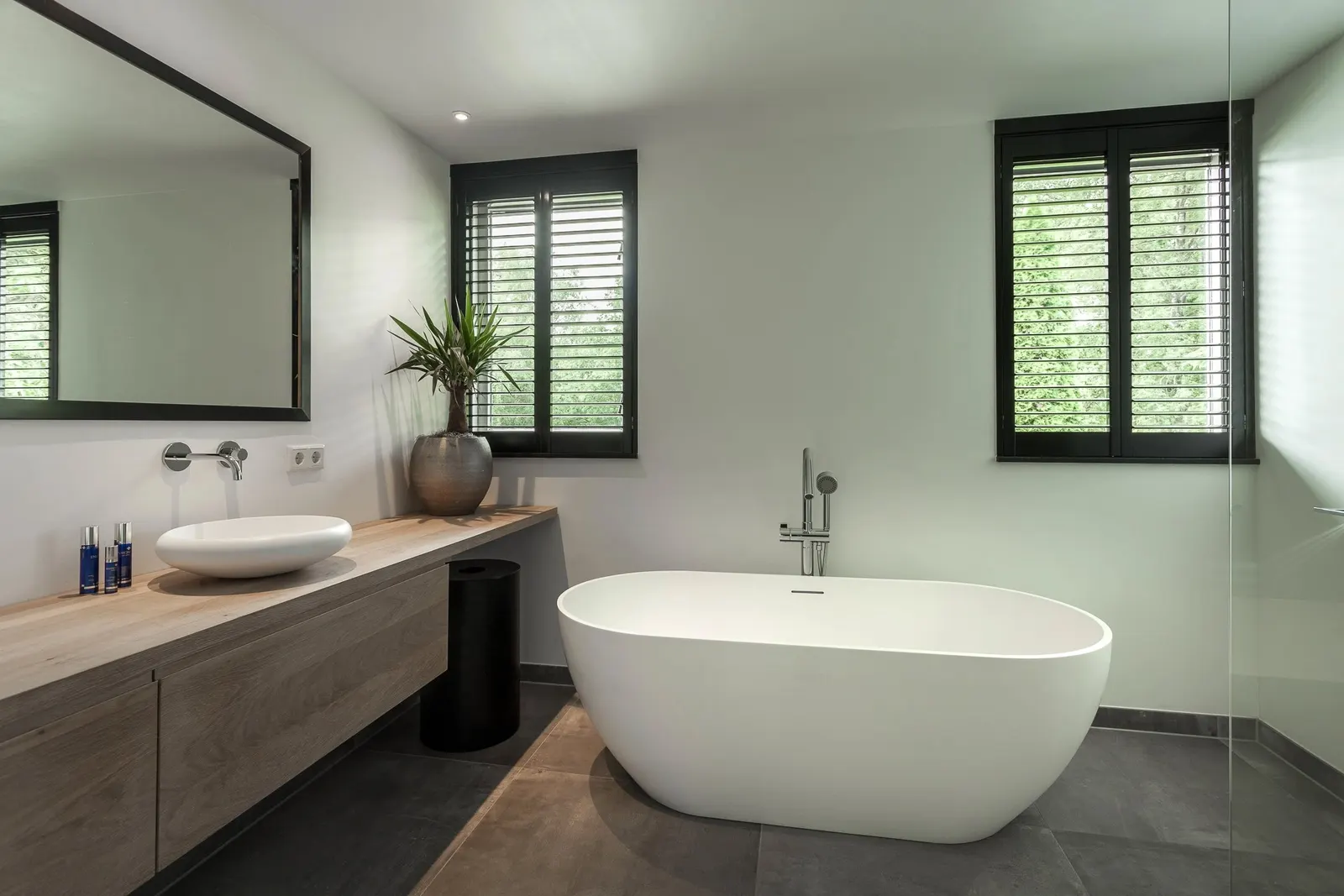 Azura · Window coveringsMeasured at home. Ordered on the spot.
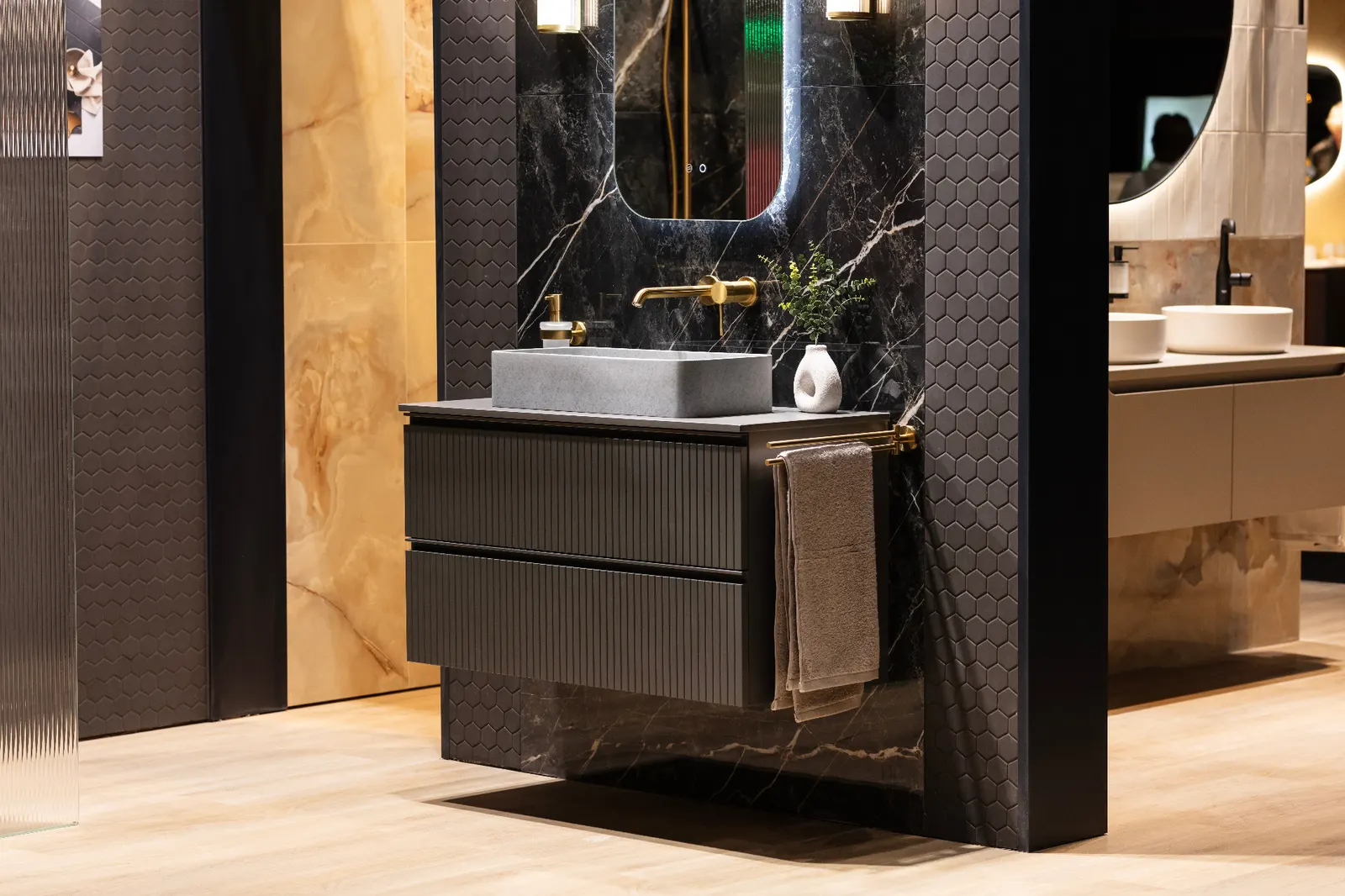 Sawiday · BathroomEvery vanity variant online. Pictured from 3D.
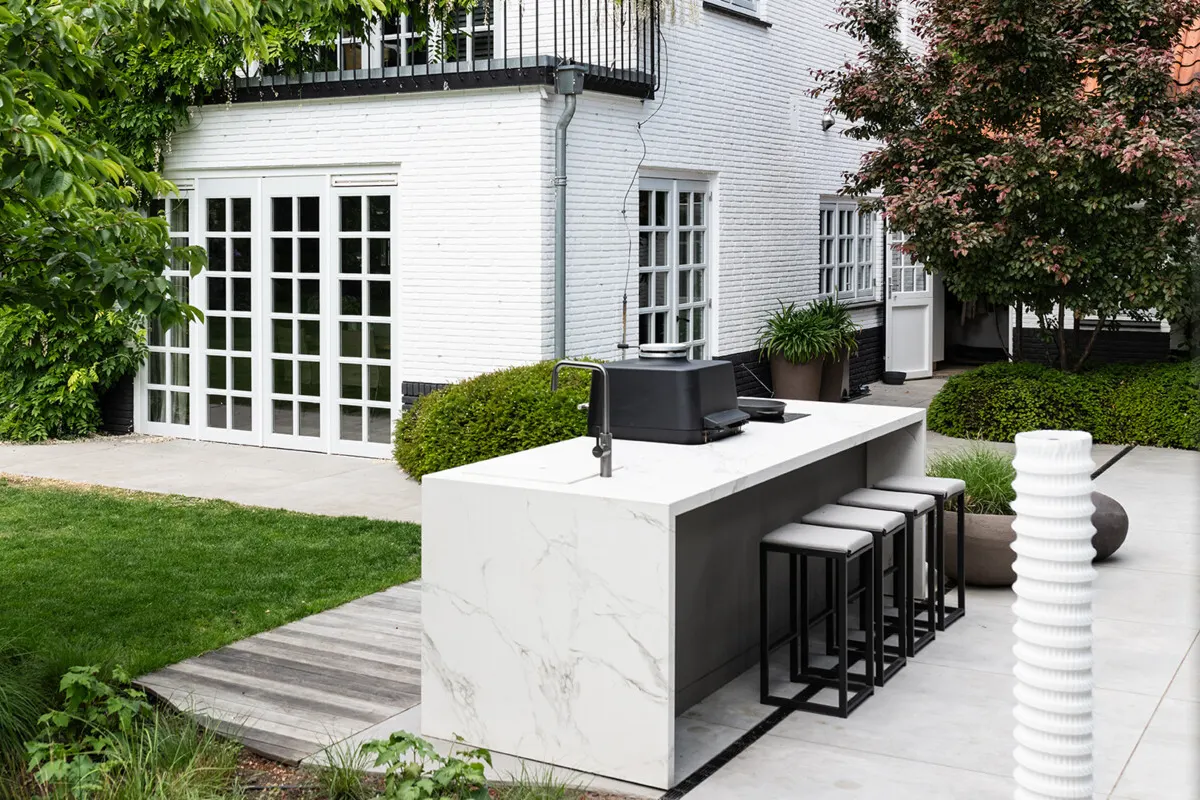 COOXS · Outdoor kitchensThe outdoor kitchen, built on the big screen.
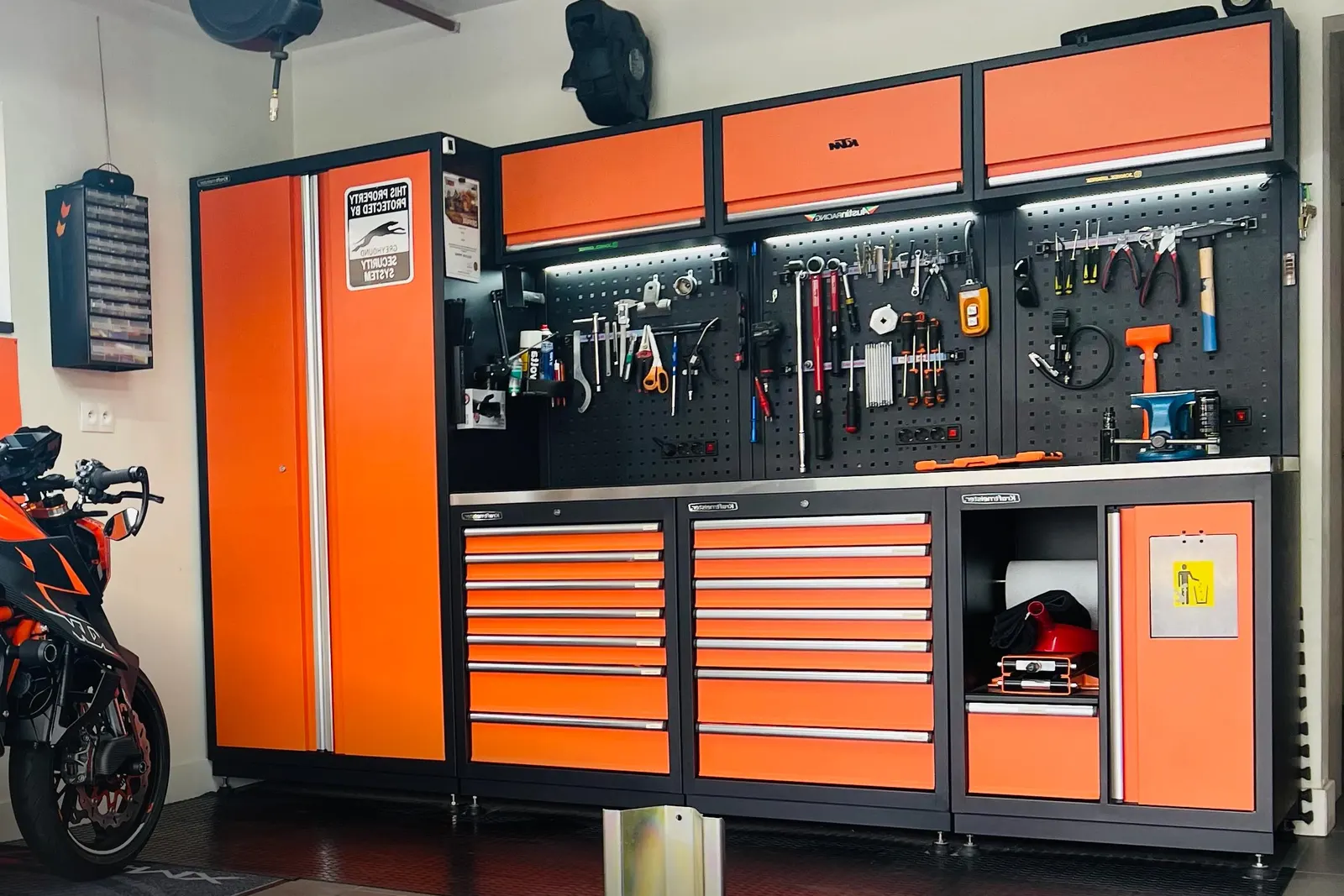 George at Work · Workshop furnitureA complete workshop. Configured in five languages.
Customer story · Furniture
Bogard makes custom dining and coffee tables by hand in Bergeijk, known for its concrete-look designs. With oneCORE, customers design their table on Bogard’s own webshop or on a screen at Loods 5, and every order lands in one place.
Custom dining and coffee tables, known for concrete-look designs
The challenge
Bogard’s tables are configured by the customer: shape, finish, size, edge and base. Every table is made to order in Bergeijk. Bogard sells them on its own WordPress and WooCommerce webshop, and in shop-in-shop locations such as Loods 5, where the store runs its own ordering and till system.
The question: how do you let customers configure the same table in both places, without replacing the webshop or the store’s till, and without orders ending up in two different systems?
How we built it
We built the oneCORE product configurator into Bogard’s existing WordPress and WooCommerce site. Customers design their table online, and the finished configuration goes straight into the shopping cart.
No new webshop, no migration. Bogard keeps the store it knows, and oneCORE adds the configuration on top.
At Loods 5, the configurator runs on an in-store screen through the Yuna Player, oneCORE’s app for showroom screens. Customers design their table on the spot.
Instead of asking the store to change its till, we worked with it. Each configuration is turned into barcodes that go through the Loods 5 till, so the customer pays the way they normally would. For the integration with WooCommerce we used our AI low-code method, so configurations and orders sync automatically.
One configurator, two channels, one order system.
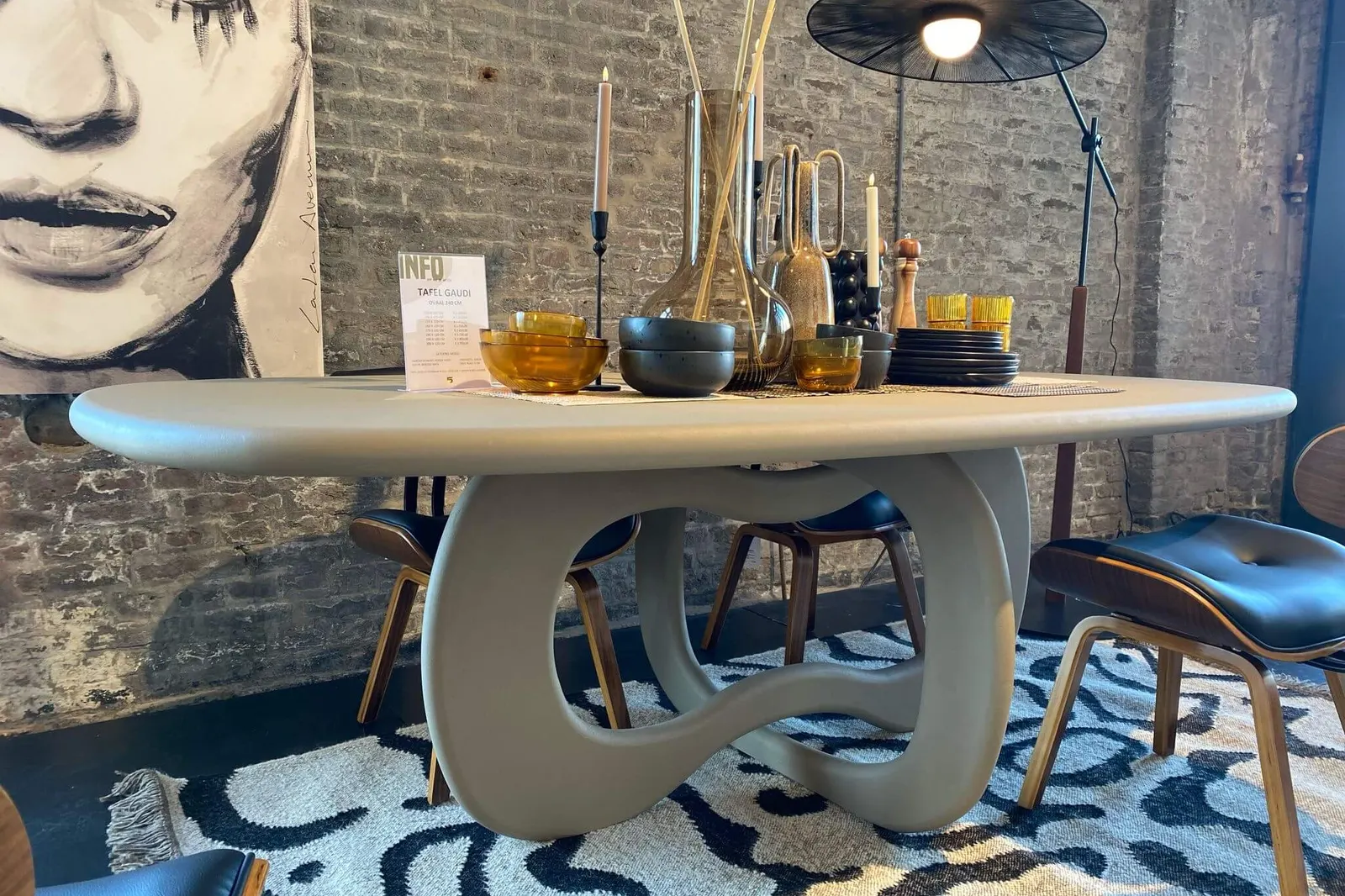
Whether a table is sold online or in a partner store, the order and its full configuration land automatically in Bogard’s own WooCommerce. Order handling stays central, in one system Bogard controls.
Because the configurator works the same everywhere, Bogard can add new shop-in-shop locations without building anything new.
See it in 3D
Pick the shape, finish, size and base of your table, the same way customers do online and at Loods 5.
A prototype made for this page, based on the live configurator at configurator.bogard.eu. Options shown are a selection; prices and rules are in the live version.
The outcome
Solutions in this story
Online, in the showroom or in a partner store. Let’s see what oneCORE can build for you.
Klantverhaal · Meubels
Bogard maakt eet- en salontafels op maat, met de hand in Bergeijk, bekend om de betonlook. Met oneCORE ontwerpen klanten hun tafel in de eigen webshop van Bogard of op een scherm bij Loods 5, en komt elke bestelling op één plek binnen.
Eet- en salontafels op maat, bekend om de betonlook
De uitdaging
De klant stelt een Bogard-tafel zelf samen: vorm, afwerking, maat, rand en onderstel. Elke tafel wordt op bestelling gemaakt in Bergeijk. Bogard verkoopt ze in de eigen webshop op WordPress en WooCommerce, en in shop-in-shops zoals Loods 5, waar de winkel een eigen bestel- en kassasysteem heeft.
De vraag: hoe stellen klanten op beide plekken dezelfde tafel samen, zonder dat de webshop of de kassa van de winkel vervangen wordt, en zonder dat bestellingen in twee systemen terechtkomen?
Hoe we het bouwden
We bouwden de productconfigurator van oneCORE in de bestaande WordPress- en WooCommerce-site van Bogard. Klanten ontwerpen hun tafel online, en de configuratie gaat direct in het winkelmandje.
Geen nieuwe webshop, geen migratie. Bogard houdt de webshop die het kent, en oneCORE voegt de configurator toe.
Bij Loods 5 draait de configurator op een scherm in de winkel, via de Yuna Player: de app van oneCORE voor showroomschermen. Klanten ontwerpen hun tafel ter plekke.
We vroegen de winkel niet om zijn kassa aan te passen, maar werkten ermee samen. Elke configuratie wordt omgezet in barcodes die door de kassa van Loods 5 gaan, zodat de klant betaalt zoals altijd. Voor de koppeling met WooCommerce gebruikten we onze AI-low-codemethode, zodat configuraties en bestellingen automatisch synchroniseren.
Eén configurator, twee kanalen, één ordersysteem.
Of een tafel nu online wordt verkocht of in een partnerwinkel: de bestelling en de volledige configuratie komen automatisch binnen in de eigen WooCommerce van Bogard. De orderverwerking blijft centraal, in één systeem dat Bogard zelf in handen heeft.
Omdat de configurator overal hetzelfde werkt, kan Bogard nieuwe shop-in-shops openen zonder iets nieuws te bouwen.
Bekijk het in 3D
Kies de vorm, afwerking, maat en het onderstel van je tafel, net zoals klanten dat online en bij Loods 5 doen.
Een prototype voor deze pagina, gebaseerd op de live configurator op configurator.bogard.eu. Je ziet een selectie van de opties; prijzen en regels staan in de live versie.
Het resultaat
Oplossingen in dit verhaal
Online, in de showroom of in een partnerwinkel. Laten we kijken wat oneCORE voor jou kan bouwen.
Customer story · Furniture
PUUUR grew from a furniture spray shop in Purmerend into a maker of custom tables and TV and wall furniture. oneCORE is the backbone of its online sales: one webshop, one price structure and dealer orders in the same flow.

Custom tables and TV and wall furniture, made to order in Purmerend
The challenge
PUUUR started with a few coffee tables sold through regional retailers. Today it makes complete collections of tables and TV and wall furniture, sold online, in two showrooms and through dealers.
Growth like that breaks spreadsheets. Customers needed clear prices, dealers needed a simple way to order, and every piece is still made by hand to order.
The question: how do you keep one clear price structure and one order flow when you sell online, in your own showrooms and through dealers?
How we built it
oneCORE runs PUUUR’s e-commerce website. Prices follow one standardised structure, so every customer sees the right price for their configuration.
Customers configure pieces such as TV and wall units themselves, and can share their 3D configuration by email.
We helped PUUUR reorganise its dealer network. Dealer orders now come in through the same platform as webshop orders.
With custom logic on oneCORE, PUUUR’s specific rules run on the platform instead of in separate tools.
The sales dashboard shows what sells where. Account Connect keeps buyers coming back to the Experience Center and the webshop.
New collections and new dealers plug into the same setup.
See it in 3D
Choose the size, layout and finish of a TV or wall unit, then share the design by email.
A prototype made for this page, based on the live configurator at puuur-interiors.nl. Options shown are a selection; prices and rules are in the live version.
The outcome
Solutions in this story
 E-commerce websiteSell configurable products online.Explore →
 3D product configuratorShow every configuration in 3D, in real time.Explore →
Dealer portalDealers log in, get their own terms and discounts, and order themselves.
Configurator on your own websiteAdd the configurator to your existing webshop, with the configuration straight in the cart.
Let’s see what oneCORE can build for you.
Customer story · Skylights
Skylar makes made-to-measure hybrid wood and aluminium skylights (lichtstraten) for flat roofs in its own workshop in Helmond. With oneCORE, customers configure their skylight online, get a quote, and every lead lands in Skylar’s CRM automatically.

Hybrid wood and aluminium skylights, made in Helmond
The challenge
A skylight is made to measure, so almost every sale starts with a quote.
How we built it
Customers configure their skylight in 3D on skylar.nl: model, size, glass, colour and options, with a price indication.
Each configuration becomes a PDF quote. Contact and registration forms, quotes and ad attribution go straight into Skylar’s monday.com CRM, so sales knows where every lead came from.
Sales starts every conversation with a complete configuration and a quote already sent.
See it in 3D
Choose the model, size, glass and colour, and see your skylight in 3D before you ask for a quote.
A prototype made for this page, based on the live configurator at skylar.nl. Options shown are a selection; prices and rules are in the live version.
The outcome
Solutions in this story
E-commerce websiteSell configurable products online.Explore →
Lead generation & automated quotesVisitors configure, leave their details and get a PDF quote automatically.
Dealer portalDealers log in, get their own terms and discounts, and order themselves.
CRM & ERP integrationConnect oneCORE to the CRM and ERP you already use.
Let’s see what oneCORE can build for you.
Customer story · Doors
Different Doors designs, builds and installs custom luxury garage doors and pivot entrance doors for exclusive homes, from its own factory and showroom in Budel. With the oneCORE sales portal, customers and staff design the door in 3D together, and the price is calculated automatically.

Luxury garage doors and pivot entrance doors, made to measure
The challenge
Every Different Doors door is made to order. The company does it all in house: advice, engineering, production, fitting and service.
Customers want to see their door before they buy it. Sales depended on detailed 3D designs, and preparing them made every sale take longer.
The question: how do you show every customer a real-time 3D design and a price, without slowing the sales team down?
How we built it
Different Doors runs on the oneCORE sales portal. Customers and staff configure the door themselves: size, model and finish.
The price is calculated automatically from the configuration, so there is no separate quote to work out.
The door is designed in 3D during the sales conversation, with the customer at the table or on the showroom screen through the Yuna Player.
What used to be a design step after the meeting now happens in the meeting itself.
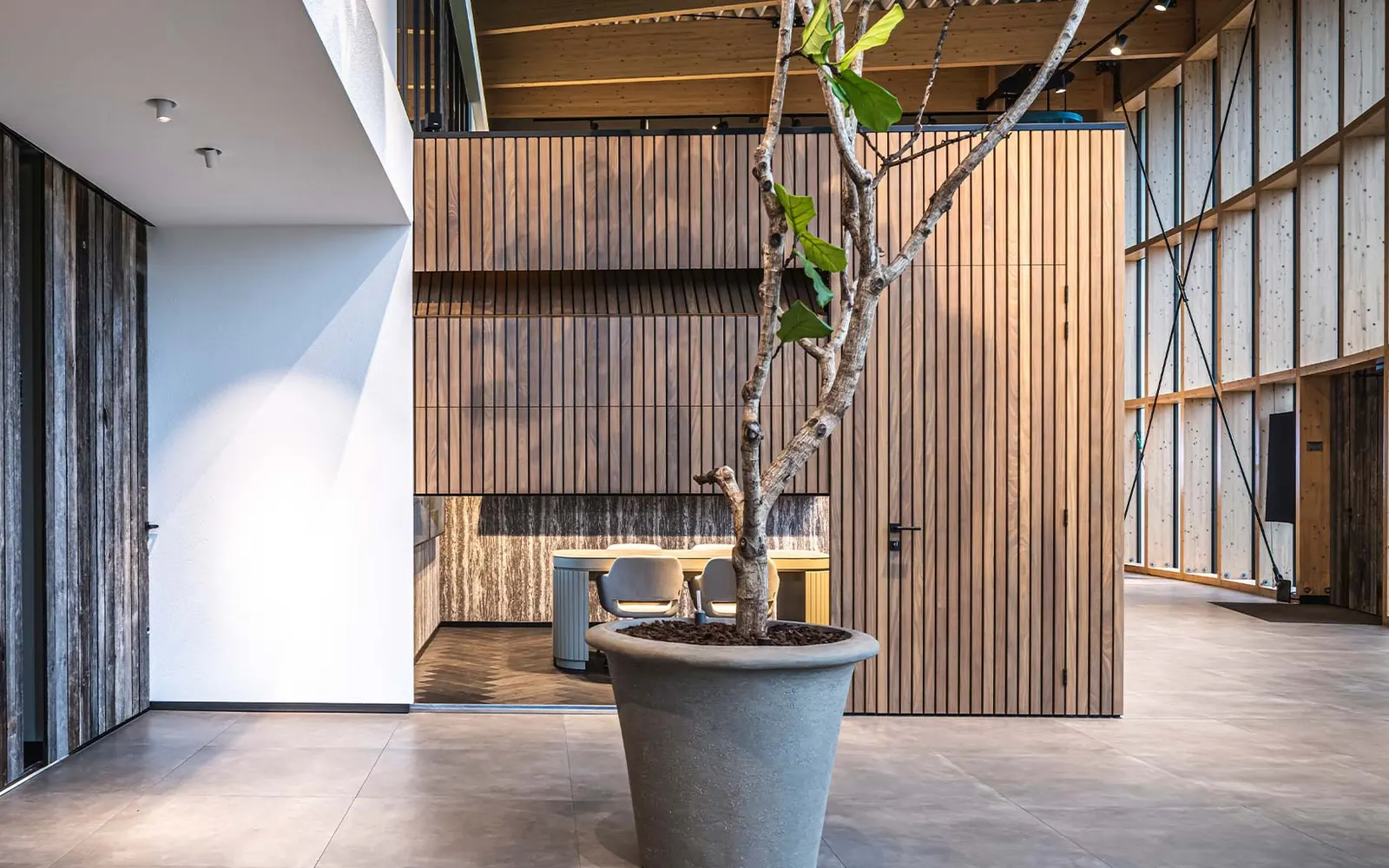
The next step is Europe. International dealers will order online with the same 3D product configurator.
Because the configuration and pricing already run in oneCORE, a new dealer market is a matter of switching it on, not building again.
See it in 3D
A concept of how customers could design a Different Doors door in 3D. Different Doors has no public configurator yet.
A prototype made for this page. Different Doors’ own configurator runs in its sales portal, for customers and staff.
The outcome
Solutions in this story
 Sales portalLet customers and dealers configure, price and order in one place.Explore →
 Yuna playerRun the configurator on showroom and in-store screens.Explore →
3D product configuratorShow every configuration in 3D, in real time.Explore →
Automated product visualsFrom 3D render to AI lifestyle image, straight into the quote or webshop.
Let’s see what oneCORE can build for you.
Customer story · Outdoor kitchens
An outdoor kitchen has hundreds of possible combinations. With oneCORE, Lusso Outdoor’s customers configure their kitchen in 3D and get a quote, complete with an AI image of the kitchen in a real setting.

Modular outdoor kitchens in aluminium and stainless steel
The challenge
Every Lusso outdoor kitchen is put together from modules, materials and appliances. Turning that into a correct quote took time.
How we built it
Customers build their outdoor kitchen in the oneCORE 3D product configurator, module by module, with the price as they go.
Each configuration becomes a PDF quote automatically. AI turns the 3D configuration into a lifestyle image, so the customer sees their kitchen in a real setting, right in the quote.
The configurator is public at configurator.lussooutdoor.com, for consumers and for professionals such as architects and garden designers, and supports Lusso’s dealers in nine countries.
See it in 3D
Add modules, pick materials and appliances, and see the kitchen and its price update.
A prototype made for this page, based on the live configurator at configurator.lussooutdoor.com. Options shown are a selection; prices and rules are in the live version.
The outcome
Solutions in this story
Let’s see what oneCORE can build for you.
Customer story · Glass doors
Glass Inside is a Dutch interior-glass specialist with its own factory. It makes pivot, hinged and sliding glass doors to measure. With a oneCORE configurator, customers design their door in 3D and get a quote within two minutes, based on Glass Inside’s own price lists.

Made-to-measure glass doors and interior glass
The challenge
Every glass door is made to measure. Customers want to know the price early.
How we built it
Customers configure pivot, hinged and sliding doors in 3D on configurator.glassinside.nl.
Prices come from Glass Inside’s Excel price lists, imported into oneCORE. Each configuration becomes a quote automatically.
The same configurator supports Glass Inside’s franchise showrooms in Wateringen, Etten-Leur, Schijndel, Enter, Kerkrade and Almere.
See it in 3D
Choose the type, size and glass, and see the price straight away.
A prototype made for this page, based on the live configurator at configurator.glassinside.nl. Options shown are a selection; prices and rules are in the live version.
The outcome
Solutions in this story
Let’s see what oneCORE can build for you.
Customer story · Fireplaces
Barbas has designed and built wood and gas fireplaces in its own factory in Bladel since 1976, and sells them through dealers. With a oneCORE dealer portal, dealers configure and order online, and each order flows into Barbas’ ERP and production.

Wood and gas fireplaces, made in Bladel since 1976
The challenge
A Barbas fireplace has many technical options, and it is sold through a dealer network.
How we built it
Dealers log in to their own oneCORE portal to configure fireplaces, see their prices and order.
Orders go straight into Barbas’ ISIA ERP. Production runs on a solution based on DriveWorks.
Dealers also find spare parts through a dedicated spare parts configurator.
AI visuals show the fireplace in a room.
See it in 3D
Pick the model, door, handle and lining. Consumers configure on barbas.com; dealers order in the portal.
A prototype made for this page, based on the live configurator at barbas.com. Options shown are a selection; prices and rules are in the live version.
The outcome
Solutions in this story
Let’s see what oneCORE can build for you.
Customer story · Bathroom
Sawiday (Sanitairwinkel.nl) sells everything for the bathroom, including its own Saniclass vanity range in many sizes and finishes. With oneCORE, every variant is rendered from 3D and refined with AI, so each one has a product image online, and the same 3D configurator runs in the showroom.

Bathroom retailer, with its own Saniclass vanity range
The challenge
A vanity range comes in many sizes, colours and finishes. Photographing every variant is not realistic.
How we built it
Each vanity is modelled once in oneCORE. The Saniclass 3D configurator runs online at configurator.saniclass.nl and in Sawiday’s showrooms.
oneCORE renders every variant from the 3D model, and AI then refines the render into a product image for the webshop.
A new finish or size gets its image from the same model, without a photo shoot.
See it in 3D
Choose the model, width, colour and basin of a Saniclass vanity, the same way customers do on configurator.saniclass.nl.
A prototype made for this page, based on the live configurator at configurator.saniclass.nl. Options shown are a selection; prices and rules are in the live version.
The outcome
Let’s see what oneCORE can build for you.
Customer story · Workshop furniture
George at Work, a brand of SPR Retail, sells Kraftmeister workbenches and complete workshop setups from its 4,000 m² showroom in Someren and its webshops across Europe. With a oneCORE configurator, customers design their workshop in Dutch, German, French, English or Italian, and the order goes straight into the Magento webshop.

Workbenches and workshop setups
The challenge
Customers don’t buy one workbench. They put together a complete workshop setup, across several countries.
How we built it
Customers design their Kraftmeister workshop in 3D on configurator.georgeatwork.com, cabinet by cabinet.
The finished configuration goes into the George at Work Magento webshop as a ready cart, so the customer checks out the way they know.
The same configurator serves five languages, so a new country needs no new build.
See it in 3D
Add workbenches and storage, and build the full setup in your own language.
A prototype made for this page, based on the live configurator at configurator.georgeatwork.com. Options shown are a selection; prices and rules are in the live version.
The outcome
Solutions in this story
Let’s see what oneCORE can build for you.
Customer story · Furniture
Table du Sud makes made-to-measure tables in its own factory in Heeze, in oak, walnut, ceramic, Fenix and concrete-look. Customers design their own table online in 3D, and oneCORE has grown with the company from its first webshop to a full commerce ecosystem.

Made-to-measure tables, made in Heeze
The challenge
The Antonissen brothers made their first oak tables in a backyard shed in January 2015. Their first 40 orders came through Marktplaats, and within six months the hobby became a full-time business.
Every table is made to order: shape, material, size, frame and finish. To grow, Table du Sud needed a platform that could sell configurable products online, and keep up as the company grew.
How we built it
oneCORE runs the Table du Sud e-commerce website. Every table is configured by the customer, with the price calculated in real time.
Customers design their table in the 3D product configurator and see the result before they order.
With custom logic and Account Connect, Table du Sud adds its own rules and keeps customers coming back.
From the first webshop to 7,000 m² of production and five showrooms, oneCORE has grown with every step: sales dashboard, Account Connect and the sales portal Table du Sud FORME uses for business customers.
See it in 3D
Pick the shape, material, size and frame, and see your table in 3D with its price.
A prototype made for this page, based on the live configurator at tabledusud.nl. Options shown are a selection; prices and rules are in the live version.
The outcome
Let’s see what oneCORE can build for you.
Customer story · Outdoor kitchens
COOXS designs and builds luxury made-to-measure outdoor kitchens in its own production in Kootwijkerbroek. In the showroom, customers design their kitchen in 3D on a big screen with the Yuna Player, with technical drawings and orders connected to Exact and Salesforce.

Made-to-measure outdoor kitchens in powder-coated aluminium
The challenge
A COOXS kitchen is built to measure from cabinets, appliances and worktops. Customers need to see their exact layout to decide.
How we built it
The oneCORE configurator runs on the big showroom screen through the Yuna Player. The kitchen is shown at real scale.
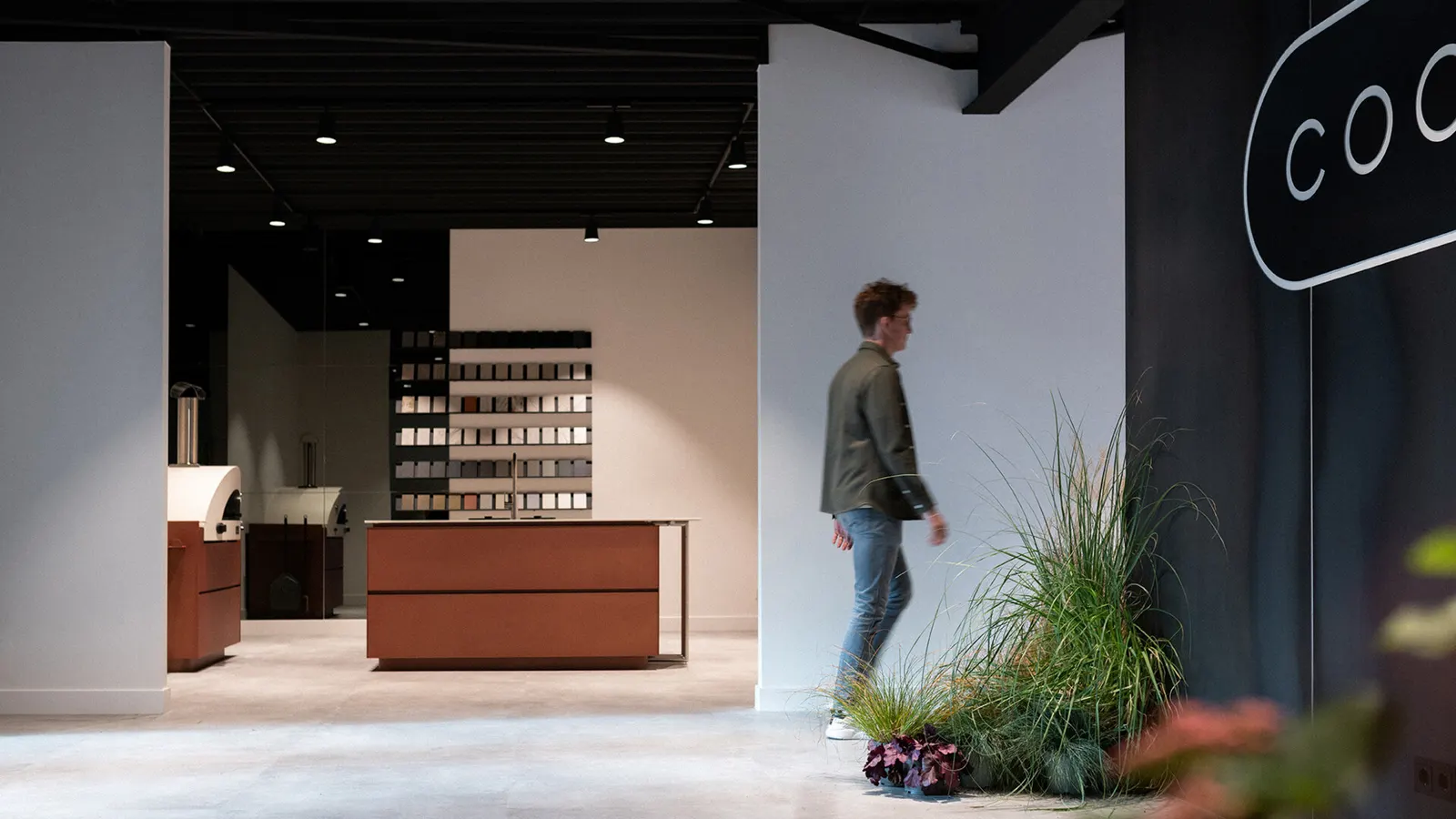
The render includes technical drawings of the kitchen, so the design can go straight to production. Orders connect to Exact, with Salesforce for sales.
The same configurator runs online on cooxs.com for the Core and Concepts collections, so customers can start at home and finish in the showroom.
See it in 3D
Place the modules, choose the finishes, and see the kitchen at real scale.
A prototype made for this page, based on the live configurator at cooxs.com. Options shown are a selection; prices and rules are in the live version.
The outcome
Solutions in this story
Let’s see what oneCORE can build for you.
Customer story · Window coverings
Azura sells made-to-measure shutters and window coverings straight from the factory, online and during home visits. With oneCORE, advisers measure, configure and order in the customer’s living room, and every order lands in Salesforce.

Shutters and window coverings
The challenge
Window coverings are measured at the customer’s home. The adviser needs to configure, price and order on the spot.
How we built it
oneCORE runs Azura’s e-commerce website and the sales portal advisers use during home visits.
Orders and quotes go straight into Azura’s Salesforce. Customers can request an AI impression: an image of the window covering in their own room, sent by email and PDF.
Instead of a live 3D viewer, the AZURA Studio shows rendered images of every choice, and AI impressions show the result in the customer’s own room.
See it in 3D
Configure a shutter the way customers do in the AZURA Studio, then ask for an AI impression of your own room.
A prototype made for this page, based on the live configurator at azura.nl. Options shown are a selection; prices and rules are in the live version.
The outcome
Solutions in this story
E-commerce websiteSell configurable products online.Explore →
Sales portalLet customers and dealers configure, price and order in one place.Explore →
CRM & ERP integrationConnect oneCORE to the CRM and ERP you already use.
Product configuratorLet customers configure made-to-measure products themselves.Explore →
Let’s see what oneCORE can build for you.

